Bring Your Line Art to Life with AI
Instantly colorize coloring pages, sketches, and black-and-white drawings with intelligent AI. Choose from 8 artistic styles — from flat cartoon coloring to rich watercolor painting. Upload, pick a style, and watch your line art transform in seconds.
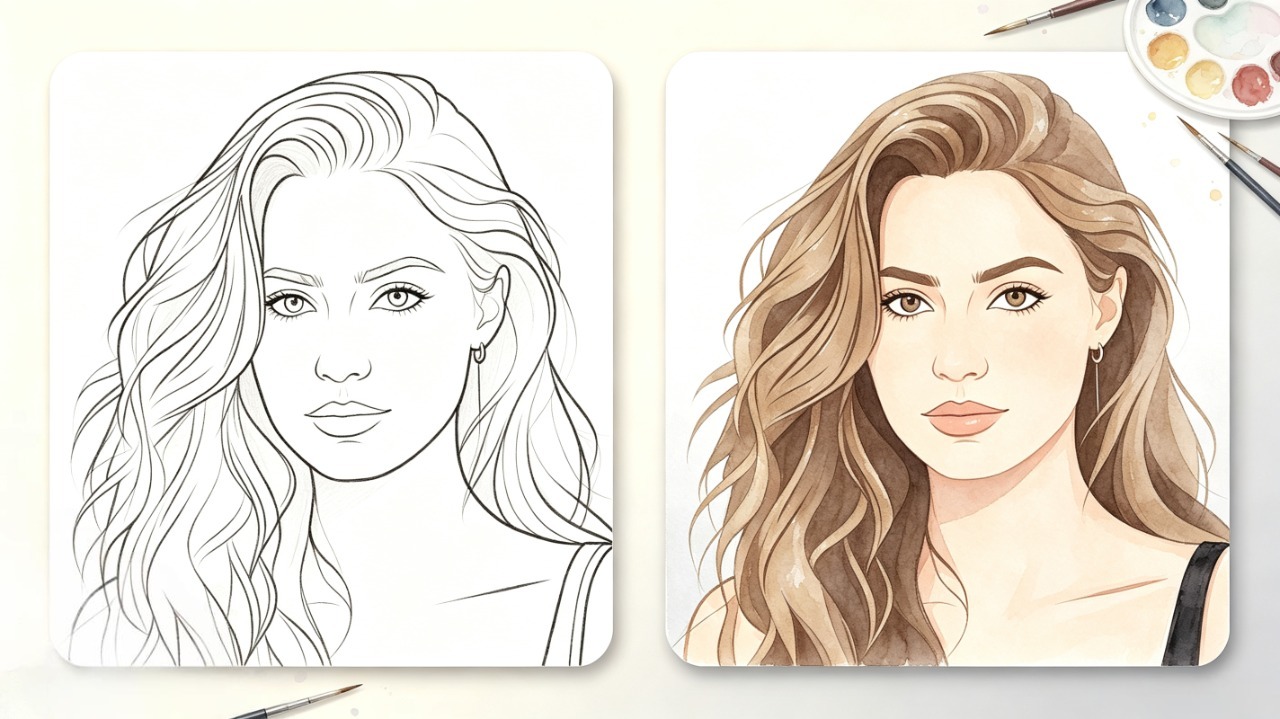
Drop Your Line Art Here
Upload and colorize your artwork
Drop your photo here (0/4)
or click Browse — JPG, PNG, WebP up to 10MB
🕐 Recent Creations
No colorized images yet
Your colorized pages will show up here
What Can You Colorize?
From coloring pages to manga — the AI Colorizer brings black-and-white art to life across any medium.
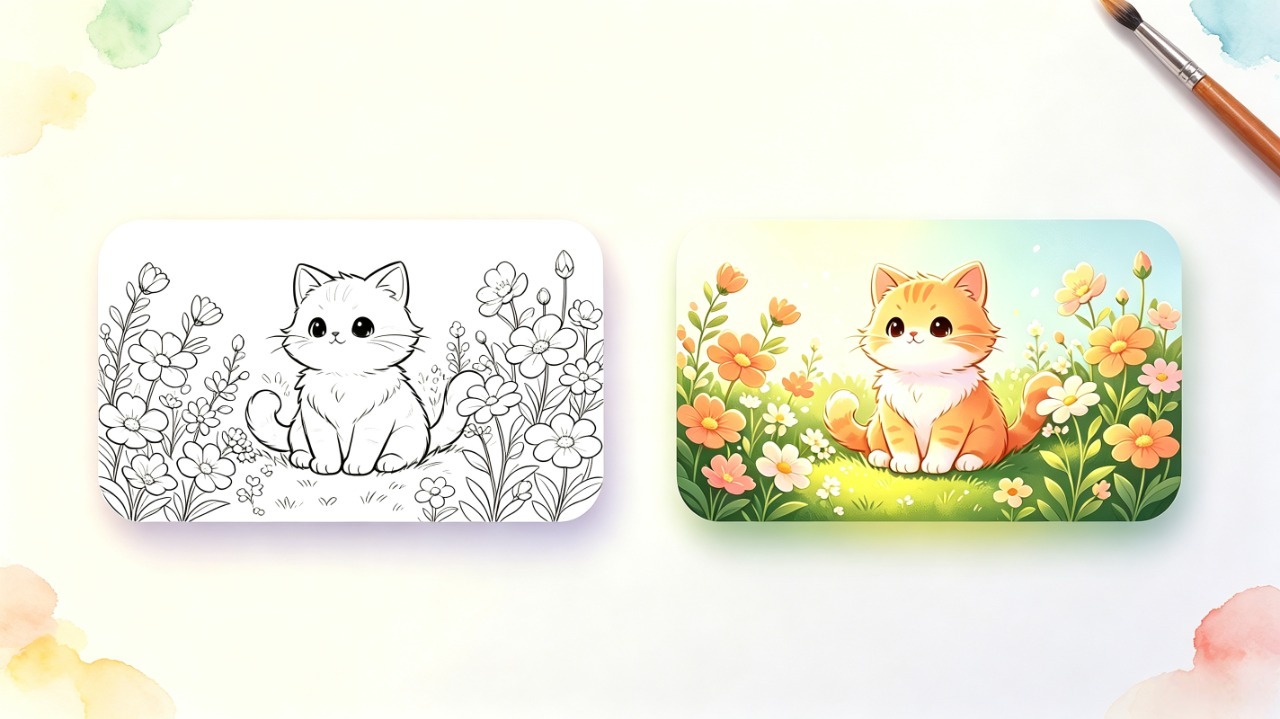
Coloring Pages
Watch your black-and-white coloring pages come alive with vibrant colors. Perfect for visualizing finished artwork or as a color reference for hand coloring.
Color a Page NowSketches & Drawings
Transform pencil sketches into full-color illustrations. The AI detects lines, depth, and shading to apply natural, realistic tones automatically.
Color a Sketch

Black & White Photos
Revive old family photos and vintage portraits with lifelike colors. Perfect for restoring memories and giving classic images a fresh new look.
Color a PhotoManga & Comics
Add dynamic colors to manga pages while preserving the original line art. Reimagine iconic panels or test color palettes for your own comic projects.
Color a Manga Page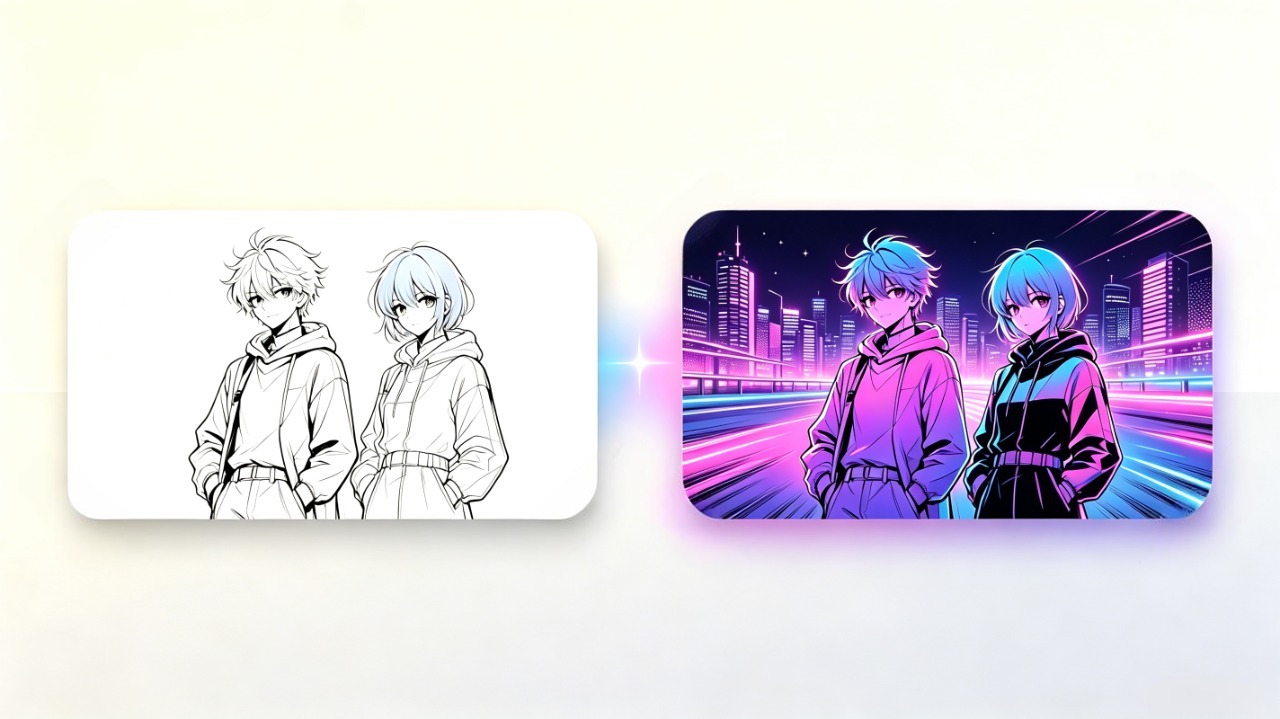
How to Use the AI Colorizer
Three simple steps to transform your line art into vibrant, colored artwork.
Upload Your Line Art
Upload a black-and-white image — coloring pages, sketches, manga, or photos. Supports JPG, PNG, and WebP up to 20MB.
Choose a Style
Pick from 8 artistic coloring styles — Flat Coloring, Crayon, Colored Pencils, Marker, Watercolor, Oil Painting, Pastel, or Manga.
Generate & Download
AI colors your line art in seconds. Download as high-resolution PNG, print it, or share it online.
What We Learned from Colorizing 50+ Line Art Images
We've tested 50+ line art images across every style. Flat Coloring gives the most consistent results — it rarely misses boundaries. For sketches with gray shading, Watercolor handles tonal transitions better than Marker. Manga/Anime preserves original line integrity best for comic pages. Quick tip: use the Compare button to toggle between original and result — it's the fastest way to catch quality issues before downloading.
Why Use Our AI Colorizer
Our AI Colorizer combines cutting-edge technology with an intuitive interface to deliver professional-quality colorization in seconds.
Try It Now8 Artistic Styles
From clean flat coloring to textured oil painting — a diverse library of styles to match any artistic vision.
Smart Color Detection
AI intelligently analyzes outlines, regions, and shading to apply colors that look natural and harmonious.
Instant Results
Colorization happens in seconds. Iterate quickly — try different styles and descriptions until you love the result.
High-Resolution Export
Download as crisp PNG or PDF. Perfect for printing, sharing on social media, or using in professional projects.
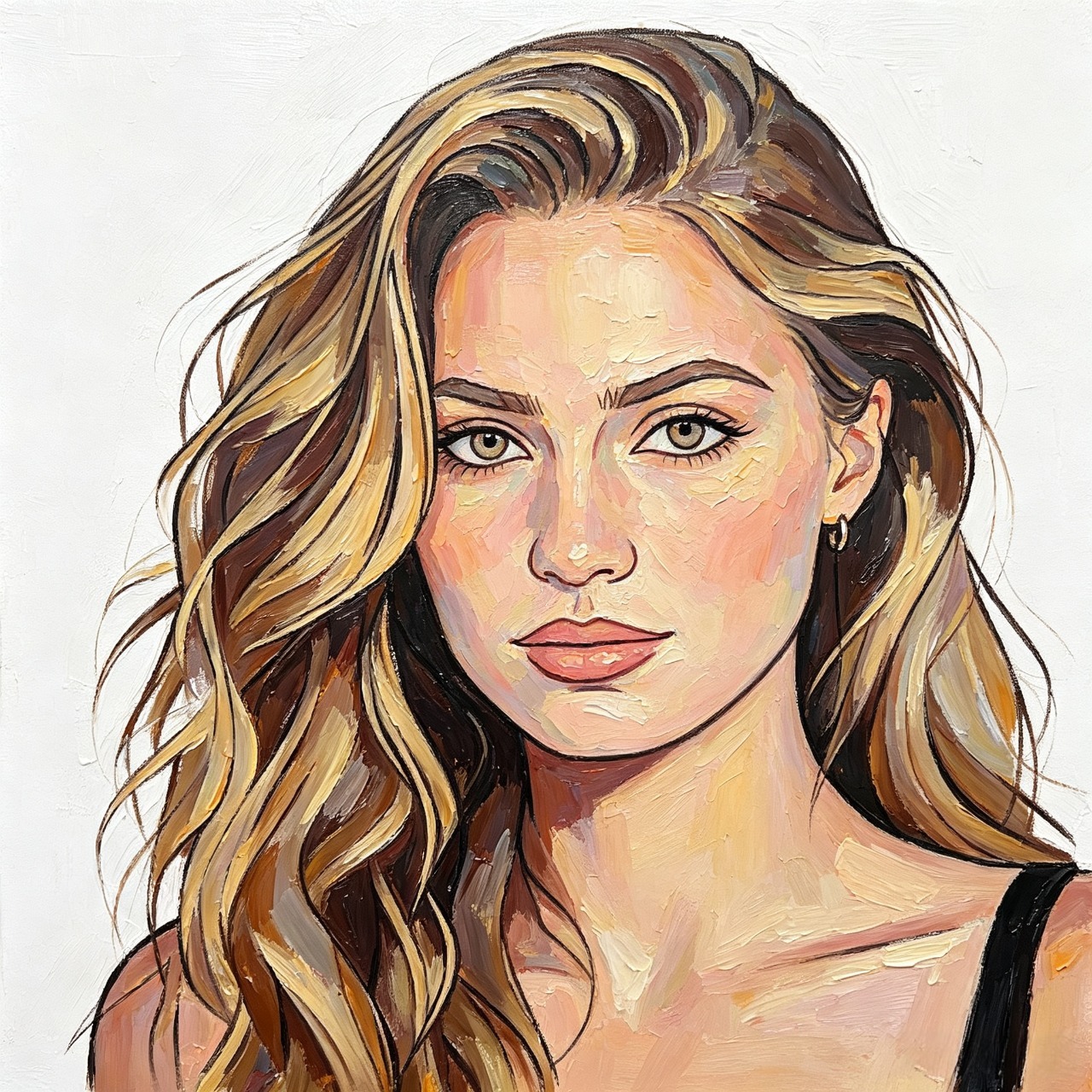
Choose Your Artistic Style
Select from a wide range of artistic styles to give your colorized artwork a unique look and feel.







Who Is AI Colorizer For?
Illustrators
Test color directions fast. Apply different styles in one click without losing your personal artistic touch. Perfect for client presentations and concept exploration.
Designers
Need multiple color variations for a project? Upload your sketch, pick a style, and generate ready-for-review color concepts in seconds.
Hobby Artists
Love drawing but struggle with coloring? Let AI handle the color work. Learn color theory by watching how different palettes transform your sketches.
What Our Users Are Saying
“I use this daily to test color schemes for my illustrations. Instead of spending hours trying different palettes, I can explore 8 styles in seconds and pick what works best.”

Sophie
Illustrator
“My kids love seeing their coloring pages come to life with AI. We print the colorized versions and use them as reference for hand-coloring. It's become our favorite weekend activity.”

Emma
Mom of 2
“As a teacher, I use the AI Colorizer to create colorful classroom materials from simple line art. The kids are fascinated watching black-and-white pages transform into colorful art.”

Marcus
Teacher
Frequently Asked Questions
What is the AI Colorizer?+
The AI Colorizer is an intelligent tool that automatically adds color to black-and-white line art, coloring pages, sketches, and photos. Choose from 8 artistic styles and the AI handles the coloring — no manual work required.
Is the AI Colorizer free to use?+
Every new account gets 5 free credits per month. Each colorization uses 1-5 credits depending on your chosen resolution. Upgrade to a paid plan for more credits and commercial rights.
What types of files can I upload?+
You can upload JPG, PNG, and WebP images up to 20MB. The tool works best with clean black-and-white line art, coloring pages, sketches, and manga pages.
Can I describe how I want it colored?+
Yes! The optional color description field lets you guide the AI. Describe colors, moods, or specific elements — like 'warm sunset tones, blue dress, golden hair.'
What resolution are the colorized images?+
Colorized images are generated at the resolution you select — 1K, 2K, or 4K — all available to every user on any plan including free. 1K is great for quick previews, while 2K and 4K provide sharper output suitable for printing and professional use.
Can I use colorized images commercially?+
Paid plans include full commercial rights. Use your colorized artwork in books, on products, in marketing materials, or anywhere else — no attribution required.
Explore More Tools
Discover other creative AI tools from ColorByte AI
Ready to Bring Your Line Art to Life?
Free to try. Upload your first coloring page and watch AI transform it in seconds.
Try AI Colorizer — Free