Convert Photo to Line Art Online
Upload a photo, choose from six line art styles, and turn it into a clean, high-quality line drawing — ideal for coloring pages, logos, tattoo stencils, and creative projects. No drawing skills needed.
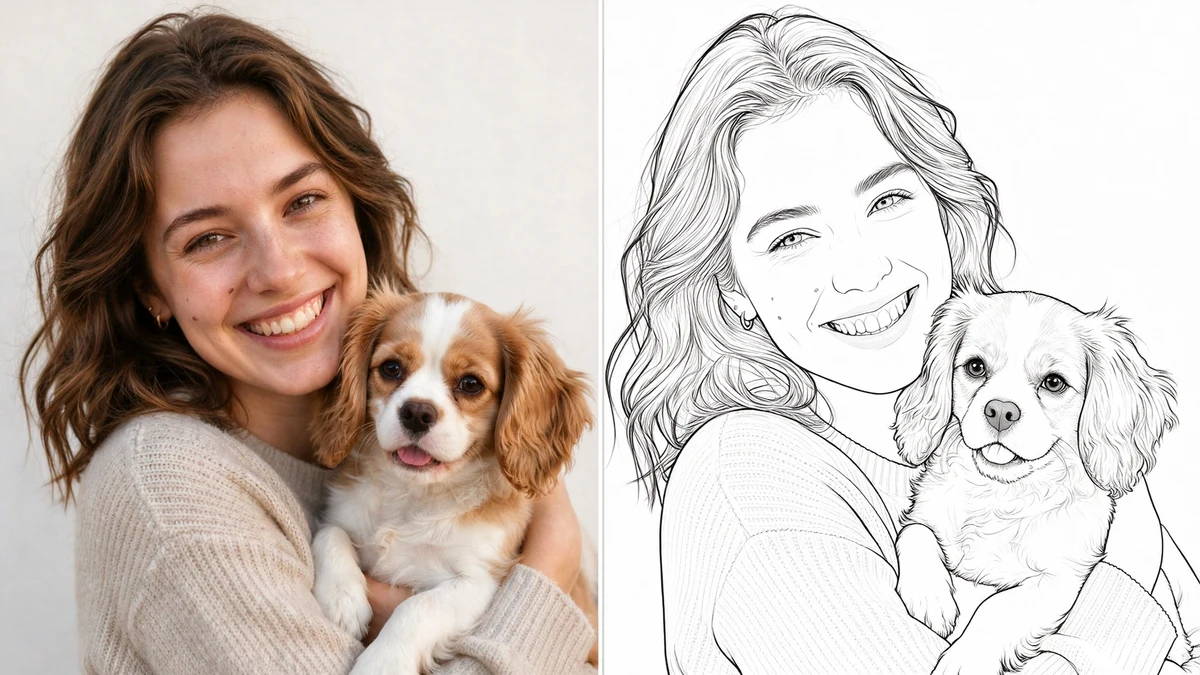
Upload a photo to create line art
Your converted line art will appear here.
Drag & drop your photo here (0/4)
JPG, PNG, or WebP — up to 10MB
🕐 Recent Creations
Nothing yet
How to Convert a Photo to Line Art
Three simple steps to turn any image into clean line art.
Upload Your Photo
Select a clear photo of a person, pet, object, or landscape and upload it to the converter.
Choose a Line Style
Pick standard, detailed, minimal, or hand-drawn line art and click convert.
Download & Use
Get your clean line art as a high-resolution PNG or PDF, ready for design, print, or coloring.
Pick the Right Line Style for Your Project
Whether you need light lines for coloring or bold outlines for a logo — choose the line weight that fits.
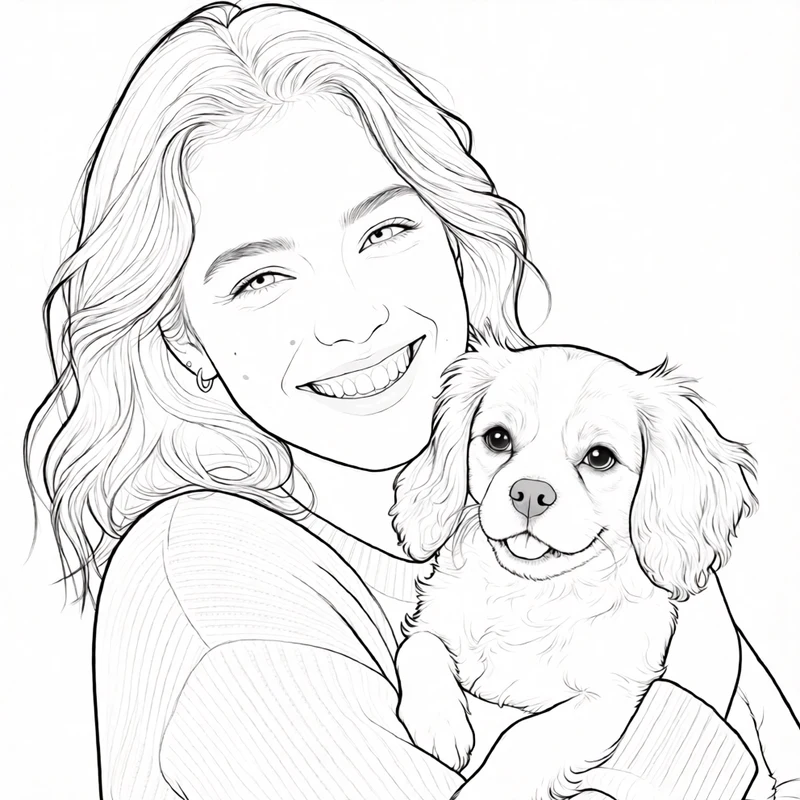
Clean Line Art
Smooth, thin lines that keep your subject light and elegant — the classic look for illustrations, coloring, and tattoo stencils.
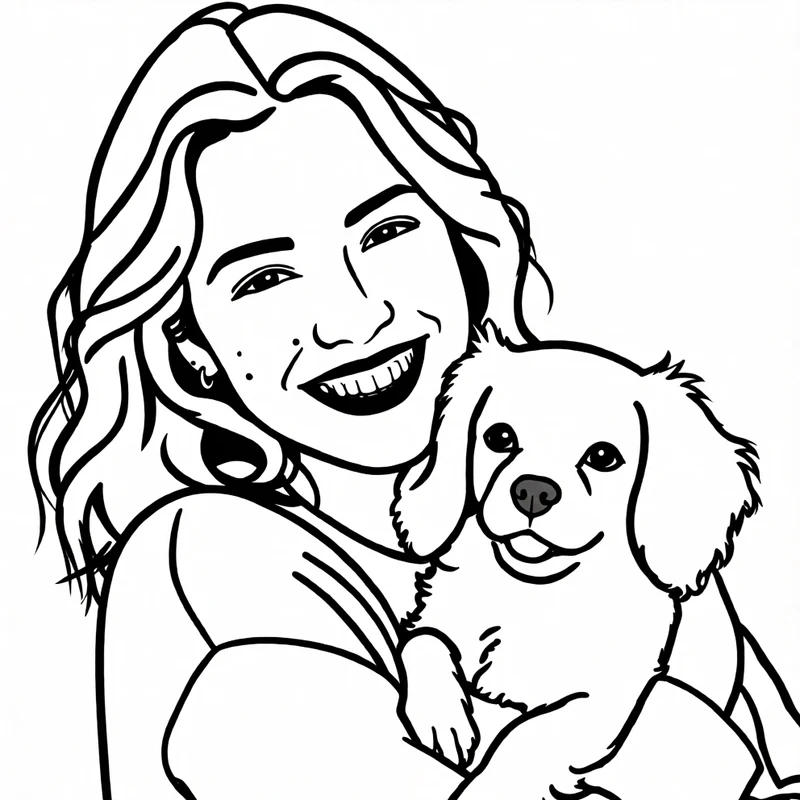
Bold Outline
Thick, heavy lines that make your subject pop — perfect for logos, posters, stencils, and coloring pages.
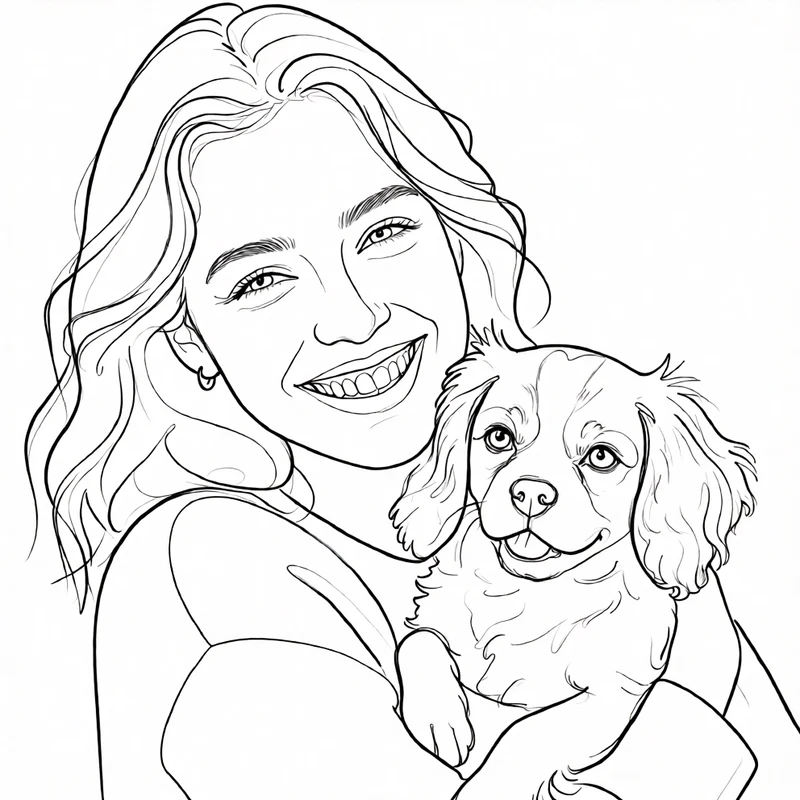
Continuous Line
A single unbroken line traces the whole image — a modern, minimalist style that looks drawn in one stroke.
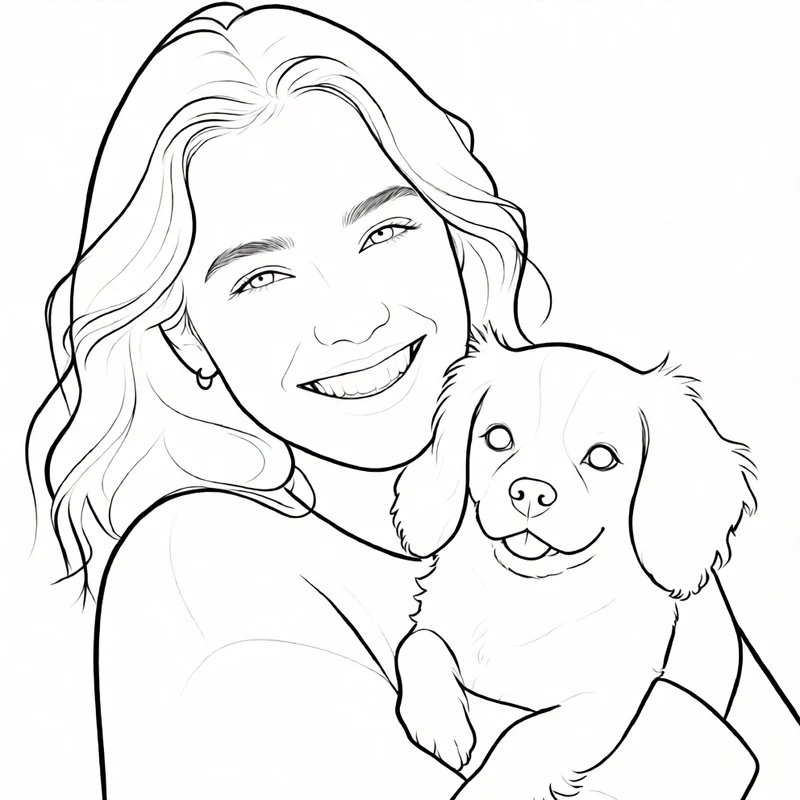
Minimalist
Only the few essential lines survive, stripping the photo down to its simplest shapes.
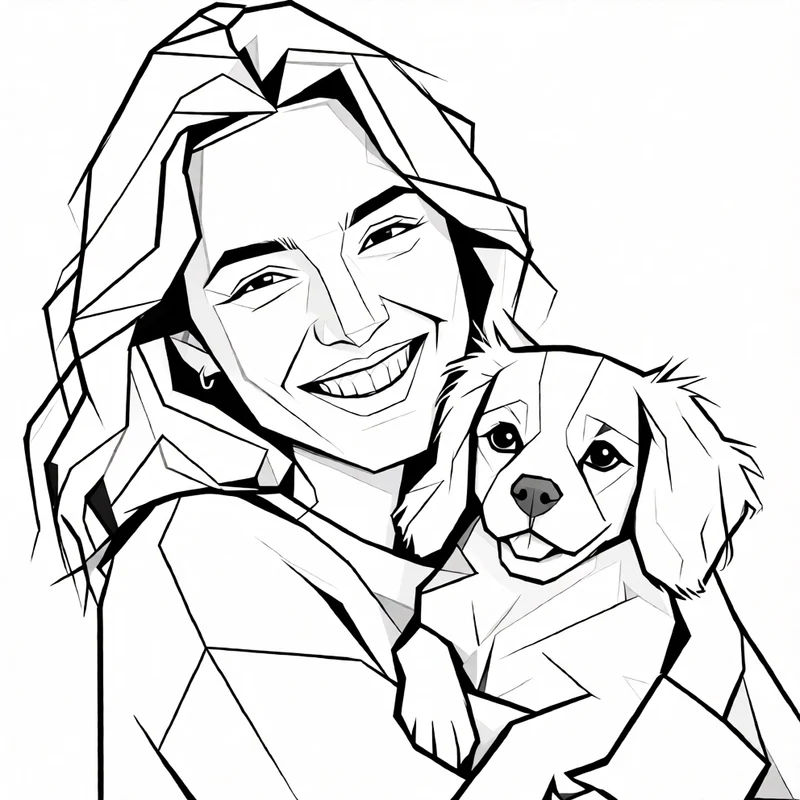
Geometric
Angular lines and sharp shapes that turn organic photos into structured, abstract line art.
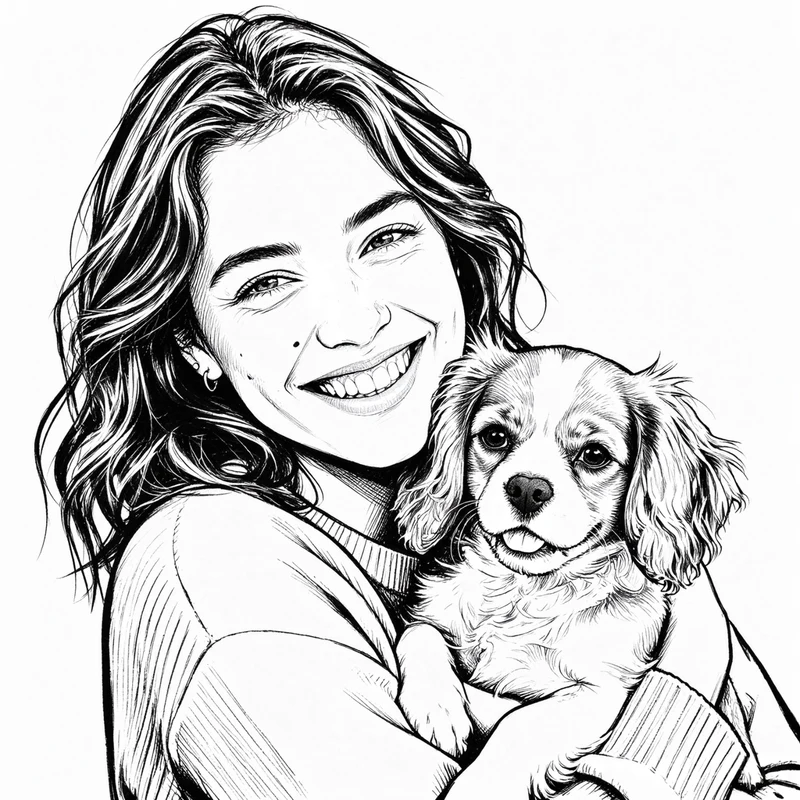
Comic Ink
Bold, expressive ink strokes with a comic-book feel — dramatic outlines with punchy contrast.
Creative Ways to Use Photo to Line Art
From family keepsakes to classroom visuals — turn photos into clean line drawings for any purpose.
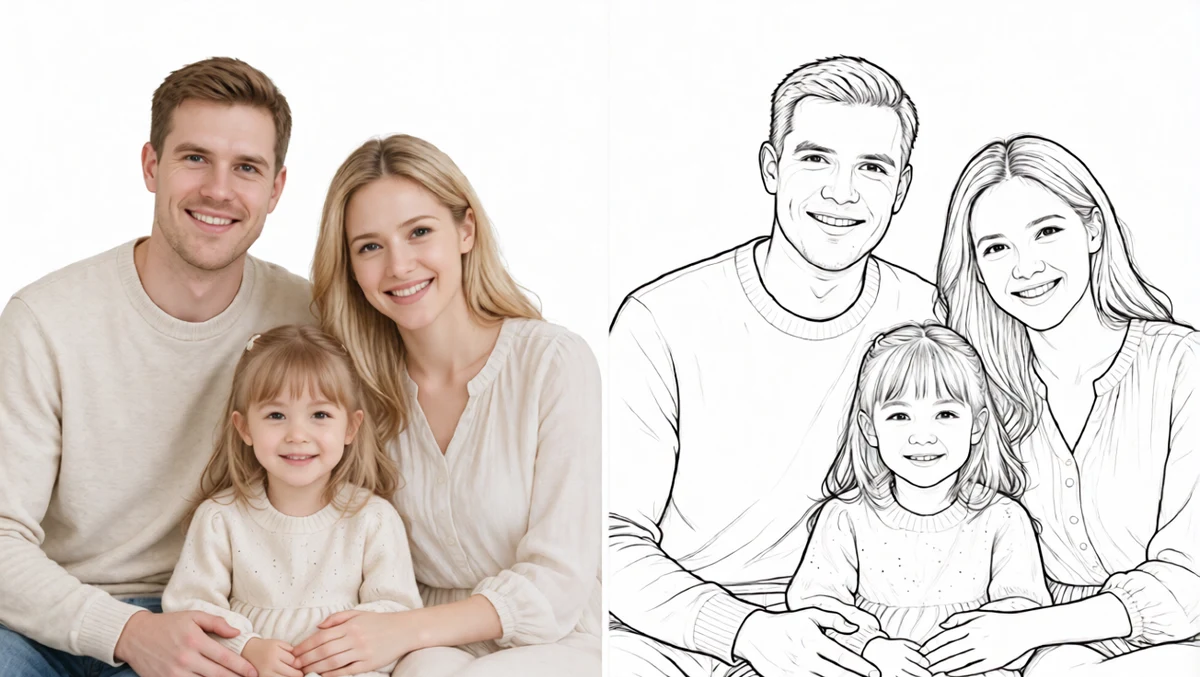
Family Photos
Convert meaningful family photos into clean line art drawings — portraits, group photos, or everyday moments turned into smooth line drawings that preserve the important shapes and details.
Convert a Family Photo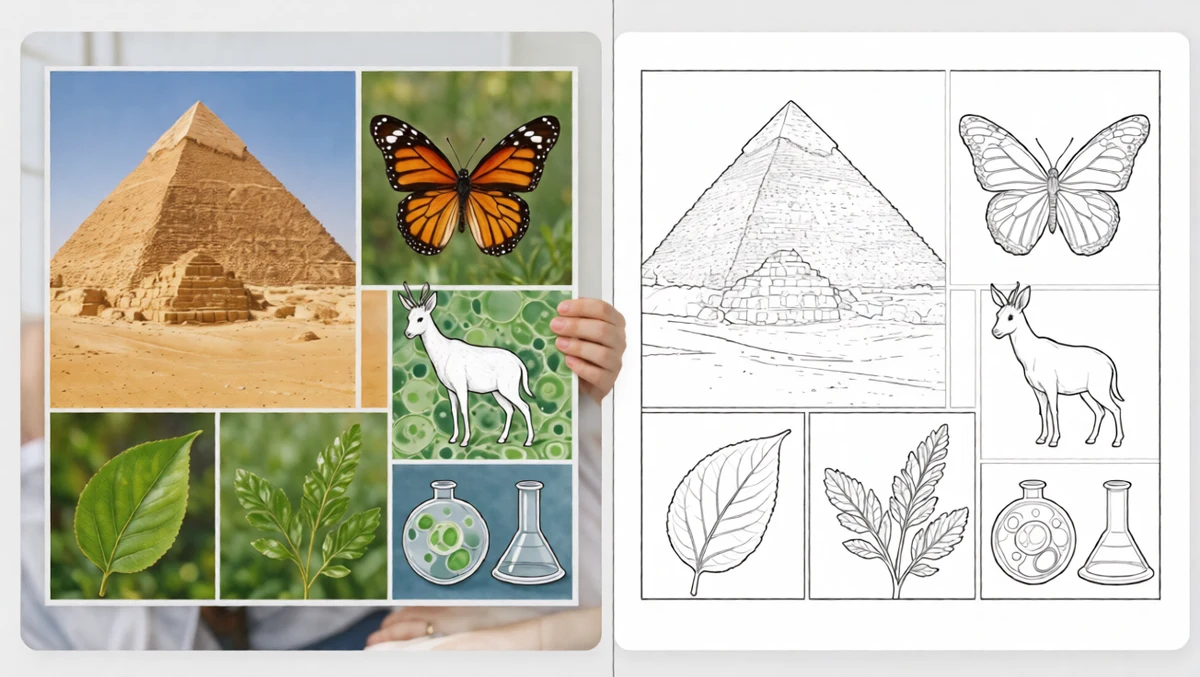
Educational Drawings
Teachers transform photos of landmarks, animals, plants, or scientific objects into simple line art illustrations that help students focus on shapes and structures.
Make a Lesson Visual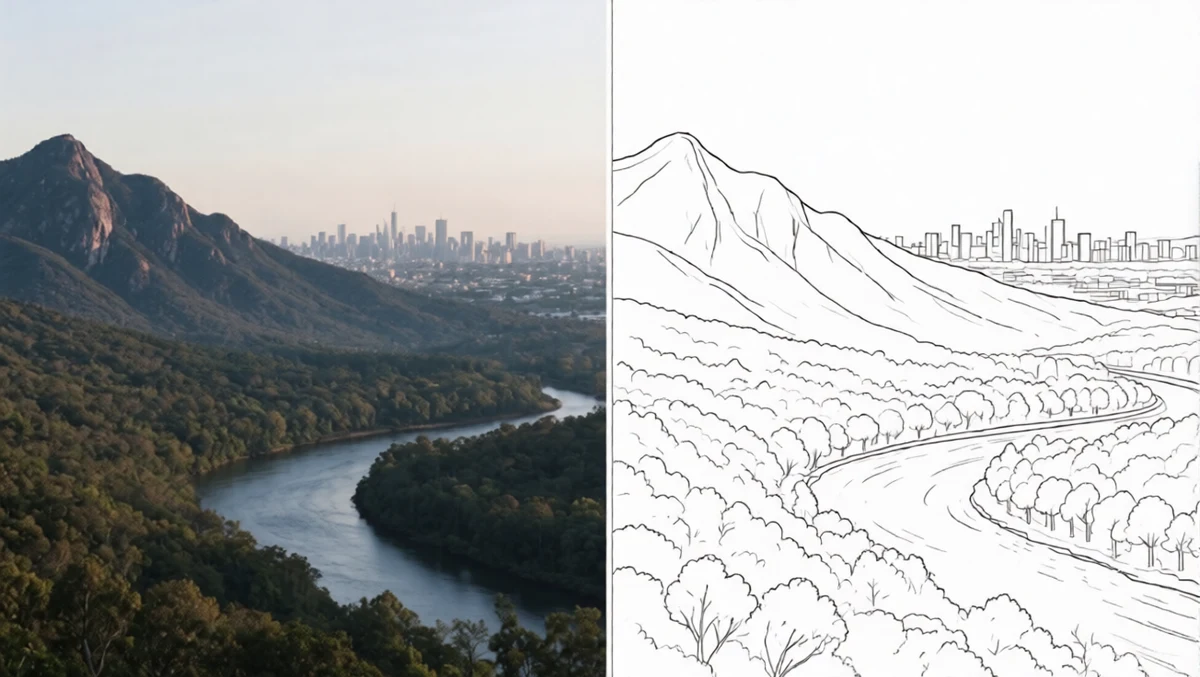
Landscape Art
Turn landscape photos — mountains, forests, rivers, and city skylines — into elegant, minimalist line art that keeps the structure while simplifying the scenery.
Turn a Landscape into ArtWhy People Choose Our Line Art Converter
Six things we do differently, built around what users actually care about.
| Feature | Our AI Line Art Converter | Other Tools |
|---|---|---|
| Free Credits | 5 free credits every month — no credit card needed | Often requires a paid plan upfront |
| Line Art Styles | 6 selectable line art styles | Limited or fixed style |
| Auto-Refund on Failure | Failed generations are automatically refunded | Usually not refunded |
| Languages | Available in 6 languages | Often English-only |
| Photo Privacy | Photos are never shared or added to a gallery | Privacy policy can be unclear |
| Output Quality | Up to 4K resolution for print | Often low-resolution output |
| Download Options | Download as PNG or PDF directly | Limited export formats |
What Users Think About Our Line Art Tool
“Just tried turning some old family photos into line art… kinda love the look. It gives photos that minimal sketch vibe, and it only takes a few seconds.”

Sophie L.
Hobby Photographer
“Tried this with my students today… uploaded a few photos of plants and animals and it turned them into really clean line drawings. Super easy to use.”

Emily R.
Art Teacher
“Was looking for a photo to line drawing converter and found this. The lines came out surprisingly clean — definitely faster than tracing it myself.”

Michael T.
Graphic Designer
FAQs About Photo to Line Art
What is a photo to line art converter?+
It's a tool that uses AI to redraw your photo as clean black line art on a white background. Instead of a filter that just posterizes the image, it traces the actual edges and contours — so faces, objects, and scenery come out as smooth, continuous outlines with no shading or gray tones. The result works well for illustrations, coloring pages, and graphic design.
How is line art different from a sketch or coloring page?+
They look similar but serve different purposes. Line art is pure black outlines on white — no gray, no shading, just clean lines. A sketch keeps pencil or charcoal shading for a hand-drawn feel. A coloring page uses bold, fully closed outlines with white space inside, designed for kids to fill in with crayons. If you want crisp, printable outlines, line art is the one to pick.
What photo formats and sizes can I upload?+
You can upload JPG, PNG, JPEG, and WebP files up to 10MB. For the cleanest result, use a well-lit photo with a single clear subject — busy backgrounds make the AI work harder to separate edges, which can produce messier lines. If your photo is dark or cluttered, try cropping in on the subject first.
Is the photo to line art tool free?+
Yes — every new account gets 5 free credits each month, and a 1K line art conversion costs just 1 credit. That means you can convert several photos for free before needing to upgrade. Higher resolutions like 2K and 4K cost more credits, but 1K is plenty for most online uses.
Can I use the line art commercially?+
Free accounts are for personal use only. If you want to use your line art in products, marketing, or client work, the paid plans include full commercial rights — covering things like selling prints, putting the art on merchandise, or delivering it as part of a design project.
Does it work on mobile?+
Yes, it works in any mobile browser — no app needed. Just upload a photo from your phone's gallery, pick a style, and download the line art. The interface adapts to a smaller screen, so you can convert photos on the go as easily as on a desktop.
Explore More Tools
Discover other free AI tools from ColorByte.
Turn a Photo Into Line Art Now
Upload a photo and see it become clean line art. Free to try.
Upload a Photo