Amazon Kindle Direct Publishing (KDP) has become one of the most accessible ways for creators to earn passive income. And one of the fastest-growing categories? Coloring books. With AI tools like ColorByte AI, you can generate professional-quality coloring pages in seconds — no drawing skills required. This guide walks you through the entire process, from picking a profitable niche to hitting "Publish" on your first book.
Why Coloring Books Are a Perfect KDP Product
The coloring book market on Amazon is massive and growing. According to industry reports, the global adult coloring book market alone was valued at over $1.5 billion in 2024, and it continues to expand. Here's why coloring books work so well on KDP:
- Low barrier to entry — No writing required. No complex formatting. Just clean line art.
- Evergreen demand — Parents buy coloring books for kids year-round. Adults use them for stress relief.
- High perceived value — A 50-page coloring book can sell for $7.99–$12.99 on Amazon.
- Print-on-demand — No inventory. Amazon prints and ships each copy. You just collect royalties.
- Repeat purchase potential — Customers who love one coloring book often buy others in the same series.
Step 1: Research Your Coloring Book Niche
The biggest mistake new KDP sellers make is creating a generic coloring book. "Animals Coloring Book" is too broad and too competitive. Instead, you need to find a specific niche with clear demand and manageable competition.
Here's how to research effectively:
- Search Amazon — Type "coloring book for" into the Amazon search bar and watch the autocomplete suggestions. This reveals what real customers are actually searching for.
- Analyze Bestsellers — Look at the top 20 results in "Coloring Books for Grown-Ups" and "Children's Coloring Books." Pay attention to the Best Sellers Rank (BSR). A BSR under 100,000 in Books means consistent sales.
- Read reviews — The 3-star and 4-star reviews are gold. They tell you exactly what customers wish was better — more pages, thicker lines, different themes. Fill those gaps.
- Check competition — If the top 10 results all have 4.5+ stars and 500+ reviews, that niche may be too established. Look for niches where the top books have fewer reviews (under 100) but good BSR — that's your opportunity.
Profitable niche examples: "Axolotl Coloring Book for Kids 4-8," "Bold and Easy Large Print Coloring Book for Seniors," "Chibi Animal Coloring Book for Teens," "Cozy Hygge Coloring Book for Adults." Notice the specificity — age range, style, and theme all in one title.
Step 2: Generate Your Coloring Pages with AI
This is where ColorByte AI changes the game. Instead of hiring an illustrator ($500–$2,000 per book) or drawing pages yourself (weeks of work), you can generate an entire coloring book worth of pages in under an hour.
Here's the optimized workflow:
- Define your theme — Pick a specific theme from your niche research. For example: "cute dragons in garden scenes."
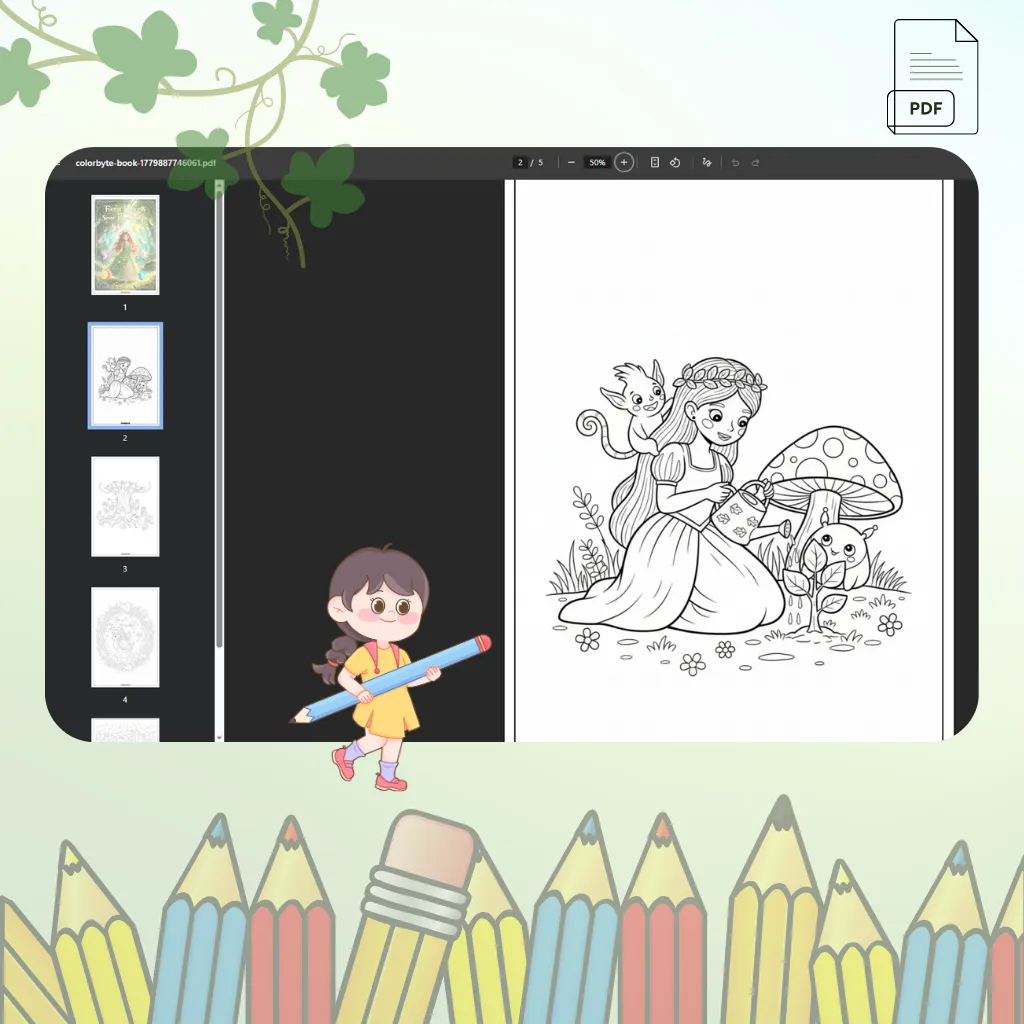
- Use the Coloring Book Generator — Enter your theme, choose a difficulty level (toddler through adult), select a print size, and let the AI generate 5–200 unique pages with a custom cover. This tool is purpose-built for KDP creators.
- Use Photo to Coloring Pages for unique angles — Convert reference photos into line art for variety.
- Choose the right resolution — For KDP print quality, use our 4K (480 DPI) output. This ensures crisp lines at any print size. Amazon recommends 300 DPI minimum for interior pages.
- Pick the right style — For kids' books, use Cartoon or Chibi styles with extra thick outlines. For adult coloring books, try Mandala, Zentangle, or Realistic styles.
Step 3: Format Your Book for KDP
KDP has specific formatting requirements. Get these right and your book looks professional. Get them wrong and Amazon may reject your submission.
Key specifications:
- Trim size — 8.5" × 11" is the most popular for coloring books. It gives plenty of space for coloring and looks great on shelves.
- Interior pages — Single-sided printing is essential for coloring books (prevents bleed-through). Each page should be on the right side with a blank page on the left, OR include a note saying "this book is single-sided."
- Margins — Set at least 0.5" inside margins (the side closest to the binding) and 0.25" outside margins.
- Bleed — Use "bleed" settings for full-page designs. KDP recommends 0.125" bleed on all sides.
- Page count — KDP requires a minimum of 24 pages. Most successful coloring books have 50–100 pages. More pages = higher perceived value = higher price you can charge.
- File format — PDF is the standard. Use our built-in PDF export for individual pages or the Coloring Book Generator for a complete PDF ready to upload.
Step 4: Design a Cover That Sells
Your cover is the single most important marketing asset for your KDP book. Shoppers decide in under 3 seconds whether to click on your book. A great cover communicates the niche, quality, and what the buyer will get — all at thumbnail size.
Cover design tips:
- Show colored examples — Put 2–4 colored examples from inside the book on the cover. Black-and-white covers don't sell coloring books.
- Use large, readable text — Your title should be legible even at thumbnail size (150px wide) on Amazon search results.
- Include a subtitle — Example: "50 Unique Designs | Single-Sided Pages | Large 8.5×11 Format | Great for All Ages"
- Match your niche aesthetic — A kids' dinosaur book should have bright, playful cover art. An adult mandala book should look elegant and calming.
The ColorByte AI Coloring Book Generator automatically creates a custom illustrated cover for each book based on your theme — so you get a professional cover without any design work.
Step 5: Upload to KDP and Optimize Your Listing
Go to kdp.amazon.com and click "Create Paperback" (or Hardcover). Here's how to optimize every field:
- Title — Include your main keyword naturally. Example: "Cute Dragon Coloring Book: 50 Fun and Easy Designs for Kids Ages 4-8"
- Subtitle — Add format details: "Single-Sided Coloring Pages on 8.5×11 Paper — Perfect Gift for Dragon Lovers"
- Description — Write 150+ words. List 3–5 benefits. Use bullet points. Mention who the book is for. Include keywords naturally.
- Keywords — You get 7 keyword fields. Use all of them. Think like a customer: "dragon coloring book," "kids coloring book ages 4-8," "cute fantasy creatures," "birthday gift for boys."
- Categories — Choose 2 categories. Browse Amazon's category tree to find the most specific relevant categories. "Juvenile Nonfiction > Activity Books > Coloring" is better than just "Books."
- Pricing — Research competitors. For a 50-page 8.5×11 coloring book, $7.99–$9.99 is the sweet spot. Your royalty at $8.99 with 50 black-and-white pages is approximately $2.50–$3.50 per sale (after printing costs).
Step 6: Launch and Promote
Uploading your book is just the beginning. Here's how to get your first sales:
- Run Amazon Ads — Start with a $5/day Sponsored Products campaign targeting your niche keywords. Monitor for 2 weeks before scaling up.
- Leverage social media — Share colored examples on Pinterest, Instagram, and TikTok. Coloring content performs exceptionally well on visual platforms.
- Build a series — Once one book sells, create Volume 2 with a different theme variation. Series books cross-sell each other.
- Collect reviews — Early reviews are critical. Consider Amazon's Vine program or reach out to coloring enthusiasts on social media to review your book.
Pro Tips for KDP Success with AI Coloring Books
- Quality matters more than quantity — One great 50-page book with consistent style and theme will outsell five rushed 20-page books.
- Use our free printable library to study what types of pages get the most downloads — this is real market data.
- Test with low-cost ads first — Before investing heavily in one niche, run a $5/day campaign for 1–2 weeks to gauge demand.
- Check KDP's content guidelines — AI-generated content is allowed on KDP, but Amazon requires you to disclose it. Be transparent in your book description.
Ready to create your first KDP coloring book? Start with our Coloring Book Generator — it's the fastest way to go from idea to published book.