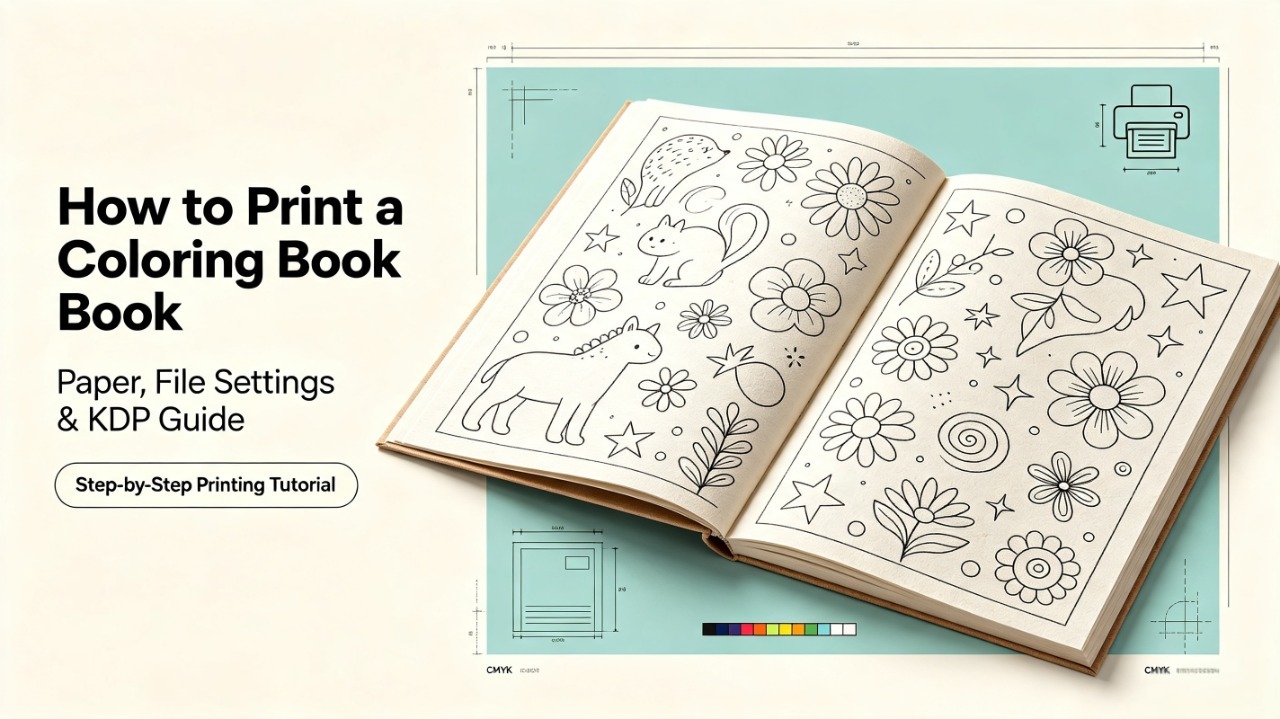
Creating beautiful coloring pages is only the first step in making a successful coloring book.
Many creators discover printing problems after their book is already finished:
Lines look too thin on paper
Artwork gets cropped during printing
Margins feel uncomfortable
Pages don't work well with markers or colored pencils
The final product feels different from the digital version
Whether you are printing a coloring book at home, selling printable files on Etsy, or publishing through Amazon KDP, proper preparation can make the difference between a simple collection of images and a professional product.
A great coloring book is not only created on screen. It is created through the entire process — from file preparation to the final page a customer holds in their hands.
In this guide, you will learn how to prepare, test, and print a coloring book successfully.
Can You Print a Coloring Book at Home?
Yes, you can print a coloring book at home.
Home printing is especially useful for:
Testing sample pages
Reviewing your artwork quality
Creating small batches
Checking the final coloring experience before publishing
In fact, printing a few sample pages before publishing is one of the easiest ways to catch problems early.
A page that looks perfect on a computer screen may not work well after printing.
Common issues include:
Thin lines becoming difficult to see
Artwork appearing too small
Incorrect margins
Poor paper performance with markers
However, home printing is usually not the most economical choice for large quantities.
For commercial products, creators usually use professional printing services or platforms like Amazon KDP.
How to Print a Coloring Book: The Complete Process
Printing a coloring book successfully requires several important steps:
Preparing your digital files
Choosing suitable paper
Testing printed pages
Preparing your book for publishing
1. Prepare Your Coloring Book Files Before Printing
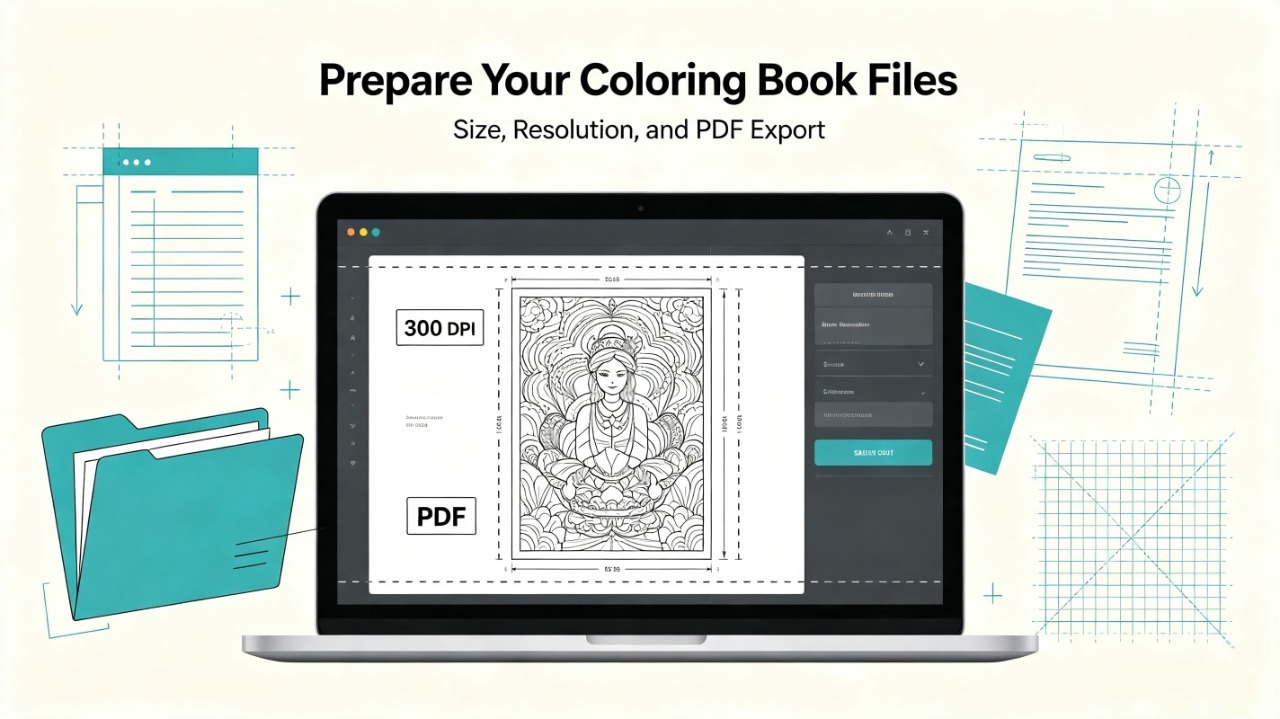
Before choosing paper or a printer, make sure your digital files are ready.
Many printing problems start during the file preparation stage.
Choose the Correct Coloring Book Size
The page size determines how your illustrations appear after printing.
The most common coloring book formats include:
Size | Best For |
|---|---|
8.5 × 11 inches (US Letter) | Most coloring books, KDP, home printing |
8.27 × 11.69 inches (A4) | International audiences |
8.5 × 8.5 inches | Mandala and square coloring books |
6 × 9 inches | Travel and compact coloring books |
For most beginners, 8.5 × 11 inches is the safest starting point because it works well for:
Amazon KDP
Home printers
Children's coloring books
Adult coloring books
If you are still deciding your dimensions, check our guide on Coloring Book Sizes before creating your artwork.
Choosing the correct size early prevents problems with:
Cropped illustrations
Incorrect proportions
Awkward margins
Use High-Resolution Images
Print quality depends heavily on image resolution.
The standard recommendation for coloring books is:
300 DPI (dots per inch)
High-resolution files help maintain:
Sharp outlines
Clean details
Professional-looking pages
This is especially important for AI-generated coloring pages, where small details and line consistency can affect the final print result.
Export Your Coloring Book as PDF
PDF is the most common format for printing coloring books.
A properly prepared PDF:
Keeps the correct page dimensions
Preserves image quality
Works across different printers
Is accepted by publishing platforms
Before exporting, check:
☐ Correct page size
☐ Correct page order
☐ Proper margins
☐ No missing pages
2. Choose the Right Paper for Your Coloring Book
Paper has a major impact on the coloring experience.
The best paper depends on:
Coloring tools
Target audience
Product positioning
For example:
Children often use crayons or colored pencils
Adults may use markers, pencils, or gel pens
Premium products need a better physical feel
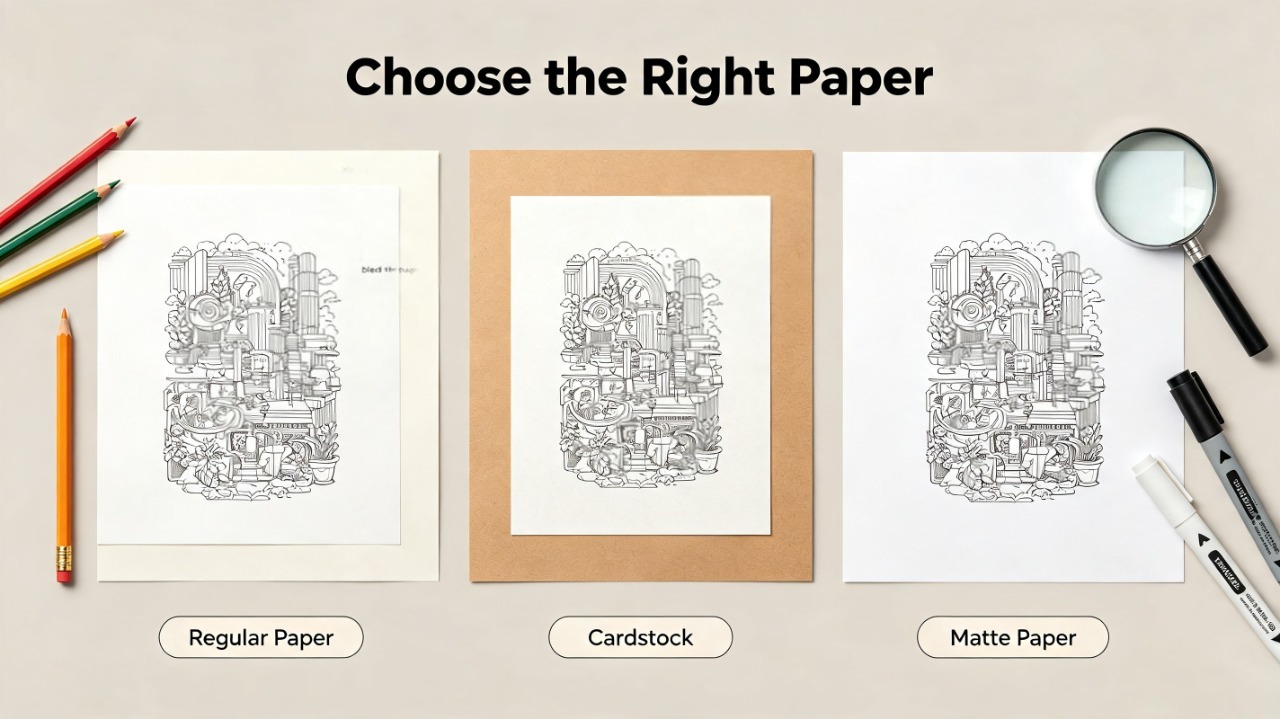
My Printing Test: Regular Paper vs Cardstock vs Matte Paper
During my own testing, I printed the same coloring page on three different paper types to compare:
Line clarity
Marker bleed-through
Overall coloring experience
Final product feeling
The results were noticeably different.
Paper Type | Best For | Advantages | Limitations |
|---|---|---|---|
Regular printer paper | Testing and drafts | Cheap and easy to use | Thin, more bleed-through |
Cardstock | Premium coloring products | Thick, durable, professional feel | Higher cost |
Matte paper | High-quality printables | Smooth surface and better presentation | Requires printer testing |
Regular Paper
Regular paper is the easiest choice for testing.
It works well for:
Checking layouts
Reviewing line quality
Making quick samples
However, it is usually not ideal for a premium coloring book.
Markers can bleed through easily, and pages may feel less durable.
Cardstock
Cardstock creates a much stronger physical experience.
Advantages:
Thicker pages
More durable
Better for framing finished artwork
It works well for:
Gift coloring books
Premium editions
Artist-focused products
The main drawback is cost.
Matte Paper
Matte paper provides a smoother and more professional feeling.
It is often suitable for:
Premium printable products
Adult coloring books
Higher-value editions
However, always test your printer first because different printers handle matte paper differently.
3. Test Print Your Coloring Pages Before Publishing
Never publish a coloring book without testing printed pages.
A simple test print can reveal problems that are difficult to notice digitally.
Test different types of pages:
Simple illustrations
Detailed illustrations
Full-page designs
Small-detail artwork
Check the following:
Line Thickness
Are the outlines clear enough?
Very thin AI-generated lines may become difficult to color after printing.
Margins
Make sure important artwork is not too close to the edge.
Readers need enough space to comfortably color.
Printer Scaling
Always check your printer settings.
Avoid:
Fit to page
Automatic resizing
Cropped artwork
Use the original document dimensions whenever possible.
4. Amazon KDP Coloring Book Printing Requirements
Amazon KDP is one of the most popular options for independent coloring book creators.
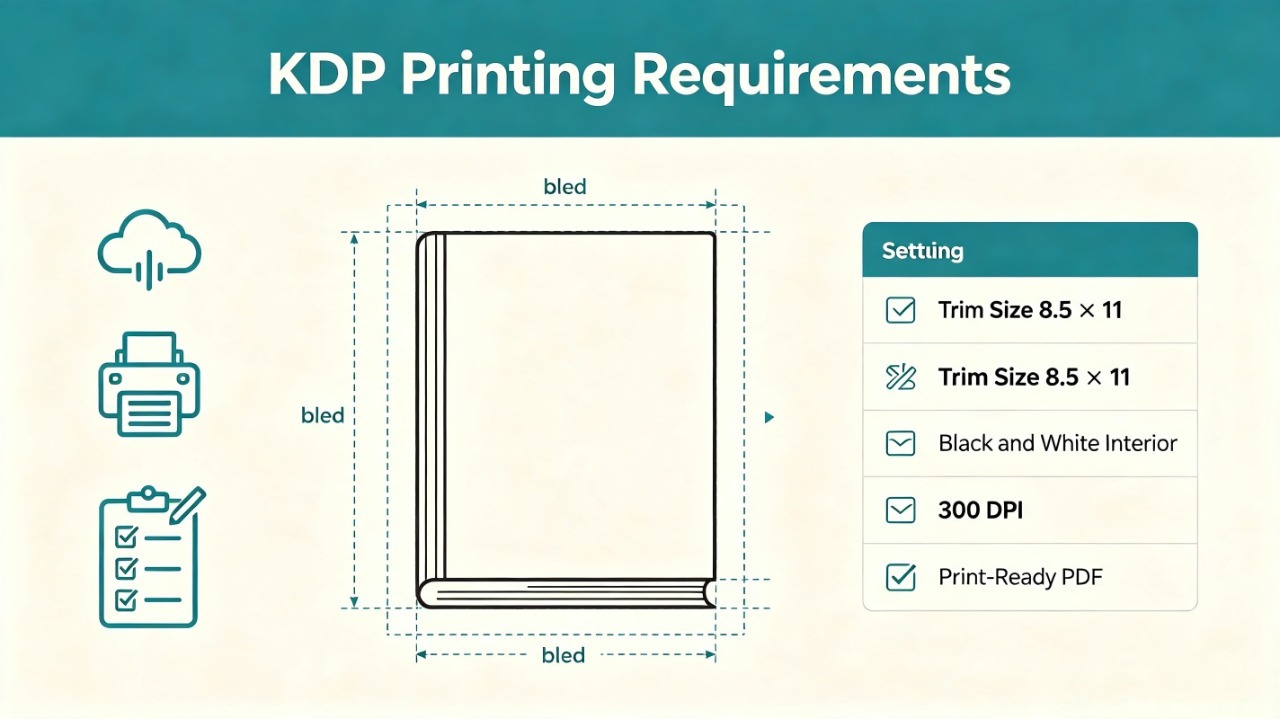
Before uploading, pay attention to these settings:
Setting | Recommendation |
|---|---|
Trim Size | 8.5 × 11 inches is a popular choice |
Interior | Black and white interior |
Resolution | 300 DPI |
File Format | Print-ready PDF |
Margins | Follow KDP safe area requirements |
Printing Style | Single-sided pages are common for coloring books |
Understand Bleed Settings
Bleed is required when artwork extends to the edge of the page.
For example:
8.5 × 11 inch trim size:
Final size: 8.5 × 11 inches
With bleed: 8.625 × 11.25 inches
Bleed helps avoid unwanted white edges after trimming.
If your artwork does not touch the edge, you may not need bleed.
Keep Safe Margins
Important elements should stay away from the cutting area.
Keep enough space around:
Borders
Text
Detailed artwork
This is especially important for framed coloring pages.
Consider Single-Sided Printing
Many coloring book creators choose single-sided layouts.
Benefits:
Reduces marker bleed concerns
Allows users to remove pages
Makes finished artwork easier to display
Don't Forget the Coloring Book Cover
Many beginners focus only on interior pages and forget that the cover is part of the product experience.
For printed coloring books, consider:
Cover dimensions
Spine width
Matte vs glossy finish
Thumbnail appearance on online marketplaces
A strong cover helps communicate:
Theme
Audience
Professional quality
For KDP books, the cover must also match the final page count and trim size.
How Much Does It Cost to Print a Coloring Book?
The cost depends on several factors:
Paper type
Printing method
Quantity
Cover finish
Generally:
Home printing is cheaper for testing
Small batches cost more per book
Larger print runs usually reduce the unit cost
For creators, the goal is not always the cheapest printing option.
The best choice balances:
Production cost
Customer experience
Product positioning
Printing Coloring Pages for Etsy Customers
Etsy printable coloring books work differently from physical books.
Customers usually download files and print them themselves.
A good printable coloring product often includes:
US Letter PDF
A4 PDF
High-resolution files
Some sellers also provide:
PNG versions
Multiple page sizes
Bonus coloring pages
The easier your files are to use, the better the customer experience.
Common Coloring Book Printing Mistakes
Using Low-Quality Images
A blurry image will not become better after printing.
Always prepare high-resolution files.
Choosing Paper Without Testing
The cheapest paper is not always the best option.
Choose based on:
Audience
Coloring tools
Product quality
Ignoring Printer Settings
Incorrect scaling can ruin otherwise good artwork.
Always check:
Page size
Print scale
Margins
Creating Too Many Pages Without Testing
More pages do not automatically create more value.
A shorter coloring book with consistent quality can outperform a longer book with repetitive artwork.
Final Checklist Before Printing Your Coloring Book
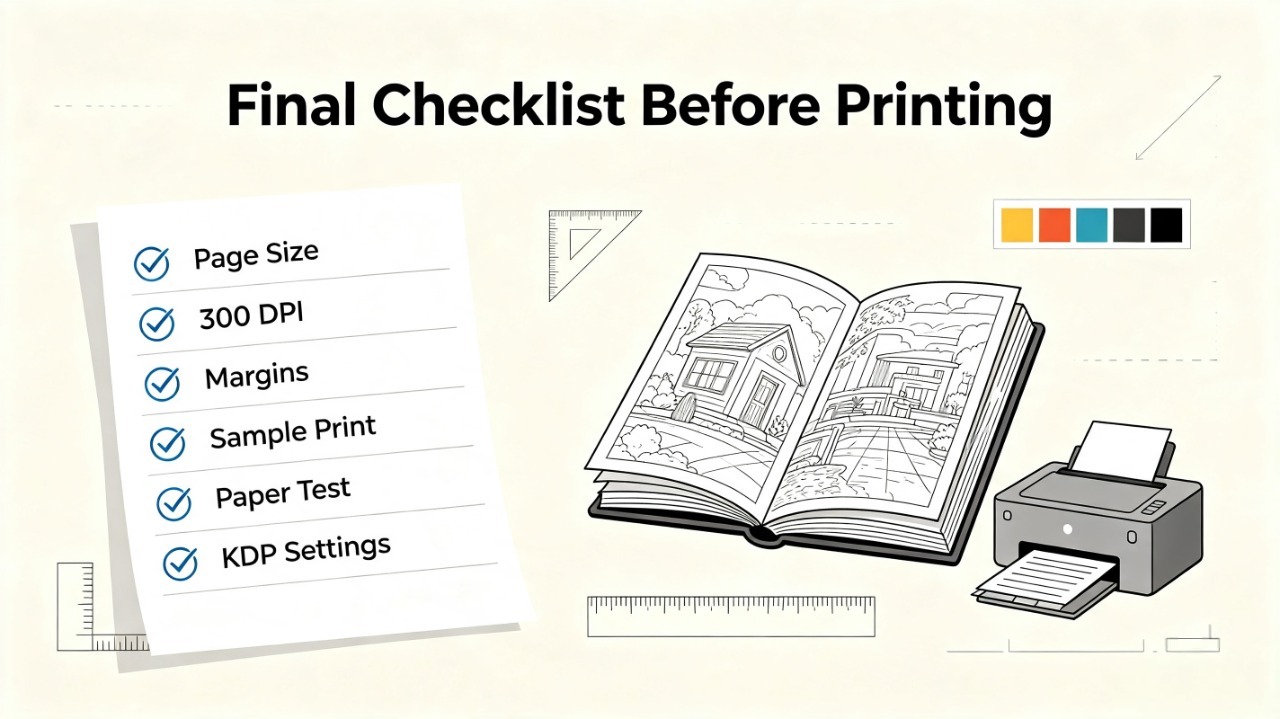
Before publishing:
☐ Correct page size selected
☐ Images exported at 300 DPI
☐ PDF tested
☐ Margins checked
☐ Sample pages printed
☐ Paper tested
☐ Line thickness reviewed
☐ KDP settings confirmed
A few minutes of testing can prevent major problems later.
Frequently Asked Questions
What paper is best for coloring books?
The best paper depends on your audience and coloring tools. Regular paper works well for testing, while cardstock and matte paper create a more premium experience.
What file format is best for printing a coloring book?
PDF is usually the best format because it preserves page size, layout, and print quality.
Can I print a coloring book at home?
Yes. Home printing works well for testing, personal projects, and small batches.
What DPI should coloring pages be?
300 DPI is the standard recommendation for high-quality printed coloring pages.
Can I sell printed coloring books on Etsy?
Yes. Many creators sell both physical coloring books and printable coloring pages on Etsy.
Final Thoughts
Printing a coloring book is not simply about putting images onto paper.
The final quality depends on every stage:
Choosing the right size
Preparing print-ready files
Selecting suitable paper
Testing before publishing
For AI coloring book creators, generating illustrations is only the beginning. The real challenge is turning those images into a consistent, enjoyable product.
Tools like ColorByte AI can help creators generate consistent, print-ready coloring pages more efficiently, but thoughtful preparation and testing are what transform individual pages into a professional coloring book.
A great coloring book is created not only on the screen — it is created when someone enjoys coloring the finished pages.