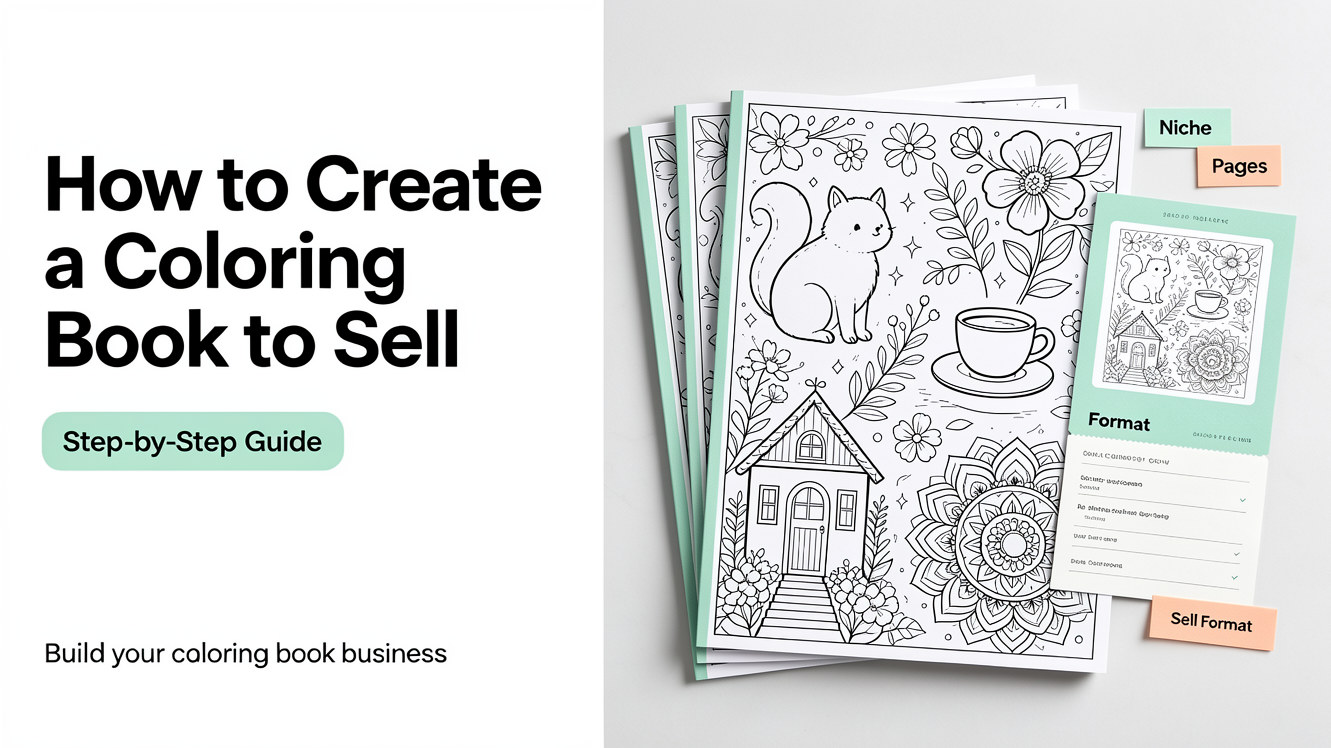
Creating a coloring book to sell involves more than putting together a collection of coloring pages. A successful coloring book needs a clear theme, a specific audience, consistent artwork, the right file format, and a sales platform that fits your product.
Whether you want to sell printable coloring books on Etsy, publish physical books through Amazon KDP, or sell through your own website, the basic process is similar.
In this guide, you'll learn how to choose a coloring book niche, plan and create the pages, prepare your files, choose where to sell, price your product, and promote it online.
1. Choose a Coloring Book Niche
Before creating your first page, decide who your coloring book is for and what makes it different from the thousands of other coloring books already available.
A focused niche makes it easier to design the book, write your product listing, and reach the right audience.
Start with a specific audience
Think about who you want to create the book for.
Common audiences include:
Children
Preschoolers
Parents
Teachers
Adults
Hobbyists
Seniors
The same subject can work very differently depending on the audience.
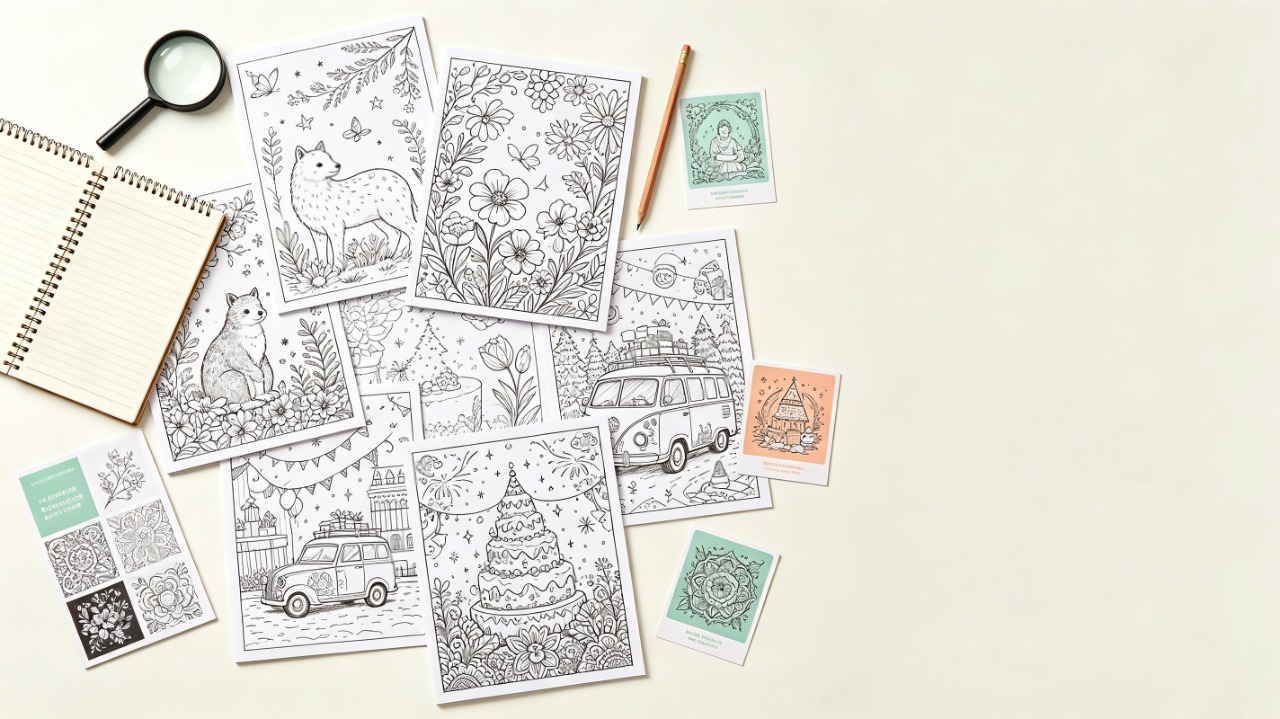
For example, a coloring book about animals for preschoolers might use large, simple illustrations with thick outlines. An adult animal coloring book could use more intricate patterns and detailed backgrounds.
Choose a focused theme
Once you know your audience, choose a theme that gives the book a clear identity.
Some possibilities include:
Animals
Cars and vehicles
Flowers and plants
Cozy scenes
Fantasy
Food and desserts
Nature
Holidays
Educational subjects
Mandalas and patterns
A specific theme is often easier to turn into a complete book than a broad idea.
Instead of creating a book called "Fun Coloring Pages," for example, you could create a book around a specific concept such as woodland animals, cozy homes, or classic cars.
Validate demand before you start
Before spending time creating 30 or 50 pages, do some basic market research.
Search your topic on platforms where coloring books are sold, such as Etsy or Amazon. Look at:
How many competing products already exist
How established the top sellers appear to be
Typical product prices
Number of customer reviews
What buyers praise or complain about
Whether products are competing mainly on price
Whether there are obvious gaps in the market
Don't assume that a popular niche is automatically a good opportunity. A topic can have strong demand but also be crowded with similar products and aggressive pricing.
At the same time, a smaller niche may still be worth exploring if you can identify a specific audience and offer a product that existing books don't address well.
The goal isn't to find a niche with no competition. It's to understand the market well enough to decide what kind of product you can realistically create and sell.
2. Plan Your Coloring Book Before Creating the Pages
Once you've chosen a niche, plan the entire book before generating or drawing individual pages.
This helps prevent a common problem: ending up with a collection of images that look good individually but don't feel like one book.
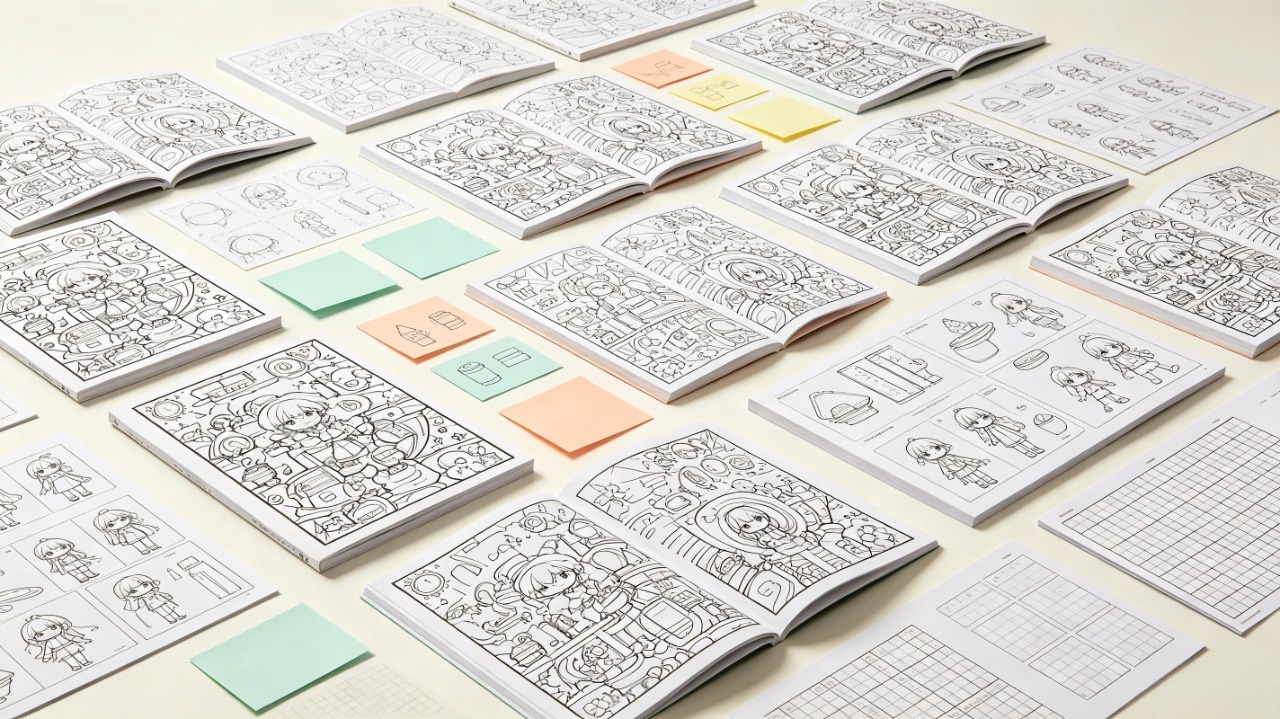
Decide how many pages you need
The right number of pages depends on what you're selling.
A short printable sample may only have a handful of pages, while paid digital downloads or physical books typically include far more.
Think about the product you're creating before deciding on a number. If you're selling a physical book, you also need to consider the requirements of your chosen print-on-demand service.
For more guidance, see our guide to How Many Pages Should a Coloring Book Have?
Define the visual style
Choose the overall look before creating the pages.
Consider:
Simple or detailed line art
Thick or thin outlines
Large or small coloring areas
Minimal or detailed backgrounds
Cute, realistic, cartoon, or decorative styles
A clear visual direction makes the finished book feel intentional.
Keep the pages consistent
A coloring book should feel like a collection rather than a folder of unrelated images.
Before creating the pages, establish a few basic rules for the entire book:
Similar line weight
Similar level of detail
Consistent illustration style
Similar composition and page layout
A consistent approach to backgrounds
This becomes especially important when using AI to create multiple pages.
3. Create the Coloring Book Pages
There are several ways to create the artwork for a coloring book. The best approach depends on your skills, budget, and how many pages you need to produce.
Option 1: Draw the pages yourself
If you are an illustrator, you can create the artwork manually using traditional drawing tools or digital illustration software.
This gives you maximum control over the artwork and style, but creating a complete book can take considerable time.
For a 30-page book, for example, every page needs to be planned, drawn, cleaned up, and prepared for printing.
Option 2: Create a coloring book on Canva
Canva can be useful for assembling and formatting a coloring book, especially when you need to organize pages, add text, create a cover, or prepare a printable PDF.
A simple workflow might look like this:
Choose your page size.
Create a document with the correct dimensions.
Add your coloring page artwork.
Organize the interior pages.
Design the cover separately.
Check the margins and layout.
Export the finished book as a PDF.
Canva is particularly useful for the layout and assembly stage. You still need suitable coloring page artwork to build the interior.
Option 3: Use an AI coloring page generator
AI can significantly reduce the time required to create coloring page artwork.
Instead of drawing every illustration from scratch, you can describe what you want and generate line-art illustrations based on your idea.
For example:
A friendly woodland bear sitting under a large tree, simple black-and-white line art, large areas for coloring, children's coloring book style.
You can also turn photographs into coloring pages, which can be useful for personalized books and family-oriented projects.
With ColorByte AI, you can create coloring pages from text or photos and then combine the results into a larger coloring book.
The important part is not simply generating as many pages as possible. You still need to review the artwork and make sure the pages work together as a product.
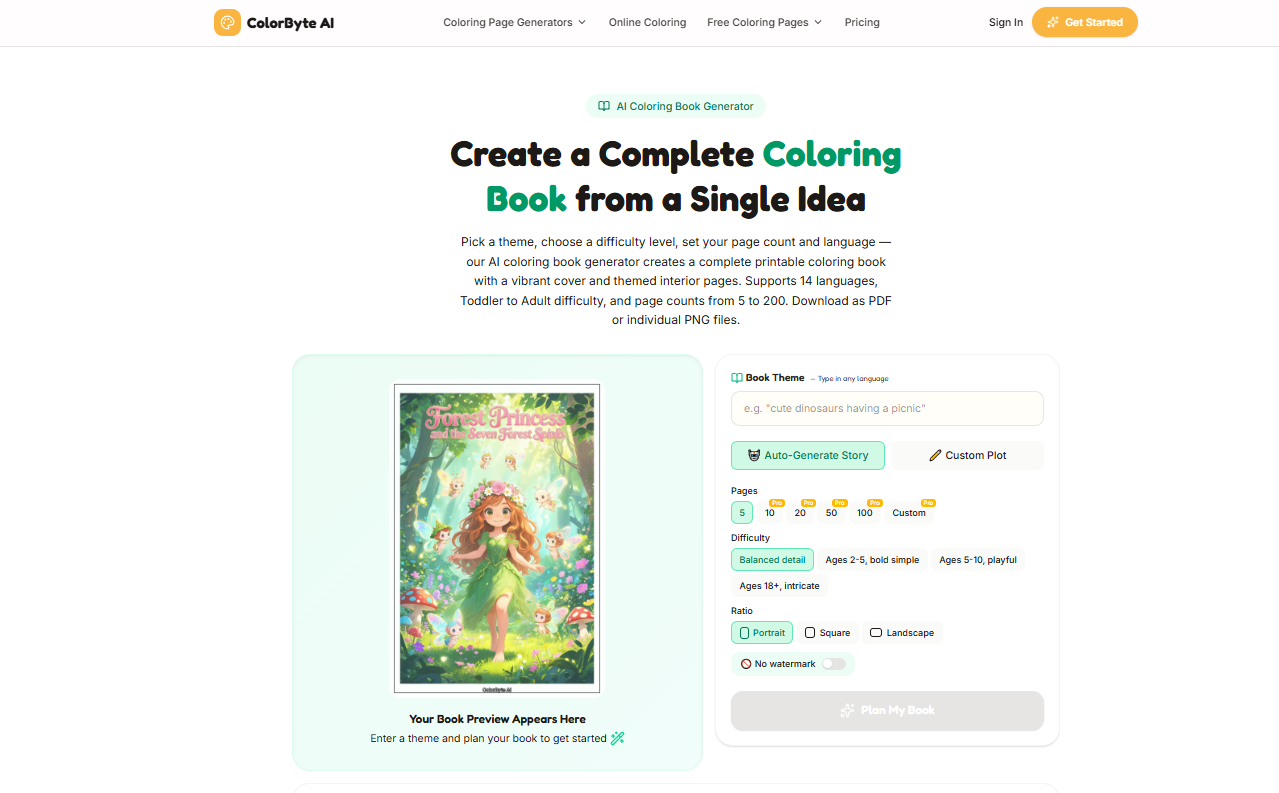
4. Create a Consistent Set of Coloring Pages
One of the biggest differences between a collection of generated images and a finished coloring book is consistency.
A buyer should be able to open several pages and immediately recognize that they belong to the same book.
Use one visual direction
Decide on the overall style before generating the pages.
For example, if you're making a children's animal coloring book, you might choose:
Bold black outlines
Simple shapes
Minimal backgrounds
Friendly expressions
Large coloring areas
Then keep those characteristics throughout the book.
Keep characters and objects consistent
If the same character appears throughout the book, make sure its appearance doesn't change dramatically from page to page.
The same principle applies to recurring objects, environments, and illustration styles.
AI-generated artwork can sometimes introduce unexpected changes. Review the pages as a collection rather than approving each image individually.
Vary the composition without changing the theme
Consistency doesn't mean every page should look identical.
A good book can use different compositions while maintaining the same visual language.
For example, an animal coloring book could include:
One animal standing
Several animals playing
An animal in a forest
An animal near a pond
An animal with flowers
The subject changes, but the illustration style remains consistent.
Review the entire book as a collection
Before moving to the formatting stage, review every page.
Check for:
Consistent line style
Similar difficulty
Appropriate margins
No accidental filled areas
No unwanted text
No repeated or near-identical page compositions
No obvious AI artifacts
Common AI-generated problems can include broken or disconnected lines, tiny stray dots, distorted objects, accidental text inside illustrations, merged shapes, or details that disappear when printed.
A page that looks acceptable on a screen may still need editing before it becomes part of a commercial product.
This review can make a bigger difference to the final product than simply generating more pages.
5. Format Your Coloring Book for Sale
Once the artwork is finished, you need to turn it into a properly formatted product.
Choose the right page size
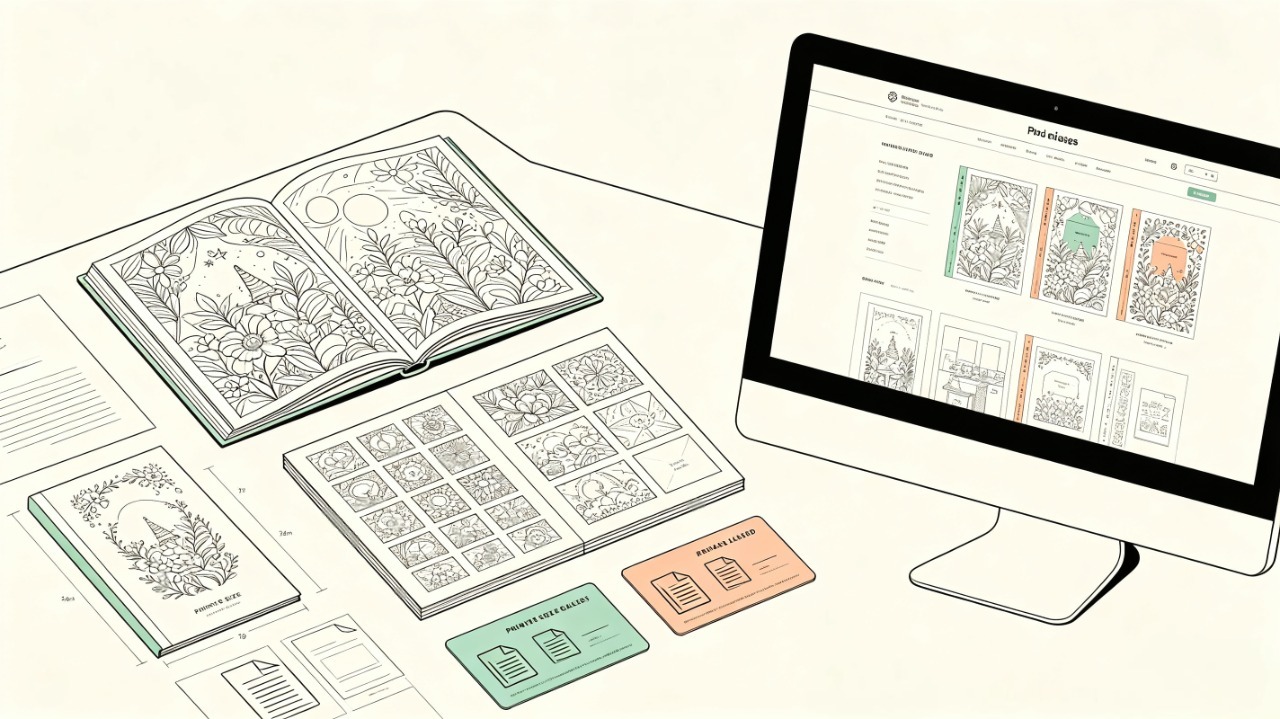
Your page size should match the platform and printing method you plan to use.
Common considerations include:
US Letter
A4
Square formats
Other print-on-demand trim sizes
If you're creating a physical book, check the current specifications of your chosen printer before finalizing the interior.
For a detailed breakdown of common dimensions, see Coloring Book Sizes: Standard Dimensions for KDP, Etsy & Printing.
Set margins and bleed
Your pages need enough space around the artwork so important elements aren't too close to the edge.
For physical books, you also need to understand whether your pages require bleed.
The exact requirements depend on the printing platform and book size, so always check the current specifications before exporting your final file.
Choose the right file format
For printable digital products, PDF is usually the most convenient format because buyers can download and print the entire book as one file.
For physical print-on-demand books, you'll typically need a properly formatted interior PDF and a separate cover file according to the platform's requirements.
If you're selling individual digital coloring pages rather than a complete book, PNG or JPG files may also be useful.
Check print quality
Don't assume that a file that looks good on your screen will automatically print well.
Before publishing, check:
Image resolution
Line quality
Page dimensions
Margins
Bleed
Blank pages
Page order
If possible, print several sample pages yourself.
For a more detailed printing checklist, see How to Print a Coloring Book.
6. Decide Where to Sell Your Coloring Book
The best sales channel depends partly on what kind of coloring book you're creating.
A printable PDF, a physical book, and individual coloring pages can all use different sales models.
Sell printable coloring books on Etsy
Etsy can be a natural fit for digital coloring books because buyers can purchase and download printable products.
A typical digital coloring book listing should clearly explain:
What the buyer receives
Number of pages
File format
Page size
Printing instructions
Personal or commercial use rights
Your listing images should also show the actual interior pages, not just the cover.
Sell physical coloring books on Amazon KDP
Amazon KDP can be used to publish physical coloring books through print-on-demand.
The process generally involves preparing:
Interior pages
Cover
Trim size
Margins and bleed
Book metadata
You upload the files to KDP, review the preview, and make corrections before publishing.
If Amazon KDP is your main target, see How to Create and Sell Coloring Pages on Amazon KDP.
Sell through your own website
You can also sell coloring books directly through your own website.
This gives you more control over:
Pricing
Product presentation
Customer experience
Email collection
Promotions
Bundles
For printable books, your website can deliver the PDF after purchase.
The tradeoff is that you'll need to bring your own traffic instead of relying primarily on a marketplace.
7. Create Your Coloring Book Listing
Creating the book is only half the job. You also need to present it clearly to potential buyers.
Write a clear title
Your title should immediately tell people what the book is about.
Instead of something vague like:
Fun Coloring Book
A more descriptive title might be:
Woodland Animals Coloring Book for Kids
The title should communicate the theme and intended audience without unnecessary wording.
Show the inside of the book
Don't rely on the cover alone.
Show several interior pages so buyers can understand:
Illustration style
Level of detail
Page layout
Coloring areas
Overall quality
For printable products, showing the actual downloadable pages is particularly important.
Explain exactly what the buyer gets
Be specific about the product.
For example:
30 coloring pages
PDF format
US Letter size
Instant digital download
Personal use
If the product has restrictions, state them clearly.
A buyer should understand what they're purchasing before completing the order.
8. Price Your Coloring Book
There isn't one universal price for every coloring book.
Your pricing should reflect the type of product you're selling, the amount of content, your costs, and the value you're providing.
Consider your costs
Depending on your workflow, costs may include:
Design software
AI generation
Editing tools
Platform fees
Payment processing
Printing
Advertising
For physical books, printing and fulfillment costs are particularly important.
Price based on the product, not just page count
More pages don't automatically mean a better product.
A 30-page coloring book with a clear theme, consistent artwork, and carefully designed pages can be more appealing than a 100-page collection of unrelated images.
Think about the complete product:
Theme + artwork + consistency + format + presentation + customer experience
Rather than simply counting pages.
Printable vs. physical pricing
A printable PDF and a physical coloring book have different cost structures.
A printable product doesn't require physical printing or shipping for every order, while a physical book has production and fulfillment costs.
Keep these differences in mind when setting your price.
9. Promote Your Coloring Book
Once your book is published, people still need to find it.
Optimize your Etsy or KDP listing
Use clear product information and relevant search terms in your listing.
Your images should communicate the product quickly, especially the cover and interior pages.
Build Pinterest and social content around your book's theme
Coloring books are highly visual products, which makes platforms such as Pinterest useful for showcasing:
Interior pages
Coloring examples
Before-and-after images
Seasonal themes
New book launches
Instead of simply posting "My new coloring book is available," create content around the theme itself.
For example, a Halloween coloring book could generate content around:
Halloween coloring ideas
Halloween activities for kids
Halloween printable activities
Halloween drawing ideas
This gives people a reason to discover your content even if they aren't actively shopping for a coloring book.
Offer a free sample
A small free sample can help potential customers evaluate your work before buying.
For example, you could offer a five-page coloring book as a free download and use it to introduce buyers to a larger collection.
The sample should still provide genuine value rather than functioning only as an advertisement.
Can You Create a Coloring Book to Sell With AI?
Yes, AI can be part of the coloring book creation process, but it doesn't replace the product-development work around the artwork.
What AI can help with
AI tools can help you:
Generate coloring page ideas
Create line-art illustrations
Turn photos into coloring pages
Explore different visual styles
Produce variations
Speed up repetitive illustration work
For creators who don't have advanced drawing skills, this can significantly lower the barrier to creating a complete book.
What you still need to do yourself
AI-generated pages still need human review.
You should decide:
Who the book is for
What the theme is
Which pages belong in the final book
Whether the artwork is consistent
Whether the pages are printable
How the book is formatted
Where it will be sold
You should also check the current commercial-use terms of any AI tool and the current content policies of the platform where you plan to sell the book.
Check commercial-use and licensing requirements
This is particularly important if you're creating a book to sell.
Before publishing, check:
1. The AI tool's commercial-use terms
Different AI tools can have different rules regarding commercial use, generated content, subscriptions, and ownership.
Don't assume that an image generated with an AI tool can automatically be resold simply because you created the prompt.
2. The licensing of third-party assets
If your book includes fonts, graphics, stock images, templates, or other assets, check whether their licenses allow commercial use and resale.
3. Marketplace requirements
Etsy, Amazon KDP, and other platforms may have their own rules concerning AI-generated or digitally created content. Check the current requirements before publishing.
4. Copyright and originality
Commercial permission from an AI tool is not necessarily the same thing as copyright protection. If you're building a long-term business around your books, understand the distinction and avoid relying on content that may create obvious rights issues.
When in doubt, keep records of the tools and assets used to create your book and review the applicable terms before publishing.
A practical AI coloring book workflow
A simple workflow is:
Idea → Generate → Review → Edit → Arrange → Export → Publish
For example:
Choose a specific niche.
Plan the pages.
Generate the illustrations.
Remove or replace weak pages.
Check consistency.
Review the artwork for AI artifacts.
Arrange the pages.
Export the final PDF.
Create the product listing.
Publish and promote the book.
ColorByte AI can be used during the illustration stage to create coloring pages from text or photos, helping you move from an idea to a complete set of printable pages more quickly.
Common Mistakes When Creating a Coloring Book to Sell
Creating a book for yourself and creating a book for customers are two different things.
Here are some common mistakes to avoid.
Creating too many unrelated pages
More pages don't fix a weak concept.
A book should have a clear theme and audience from beginning to end.
Choosing a niche without researching demand
You don't need to chase every popular trend, but you should understand what people are already searching for and buying before investing significant time in a book.
Look at both demand and competition. A niche with thousands of similar low-priced products may require a very different strategy from a smaller niche where you can create a clearly differentiated product.
Using inconsistent illustration styles
If every page looks like it came from a different book, the final product can feel unfinished.
Set your visual direction before generating the pages and review the entire collection afterward.
Publishing AI-generated pages without reviewing them
AI can produce pages that look good at first glance but contain small defects that become obvious when printed.
Look for:
Broken lines
Stray marks or dots
Distorted hands, faces, or objects
Accidental text
Merged shapes
Inconsistent characters
Details that disappear at print size
Review every page at both screen size and, when possible, actual print size.
Ignoring print margins and file quality
A coloring page can look perfect on screen but become difficult to print if the artwork is too close to the edge or the file is incorrectly sized.
Always test your final files before publishing.
Making the product description unclear
Customers should not have to guess:
How many pages are included
What file format they receive
What size the pages are
Whether the product is digital or physical
What usage rights are included
Make these details obvious.
Publishing without checking commercial and platform requirements
Before selling a coloring book, check the current rules of the platform you're using and the licensing terms of any assets, fonts, images, or AI tools included in the product.
Requirements can change, so verify them when you publish rather than relying on an old tutorial.
FAQs
Can I create a coloring book to sell on Canva?
Yes. Canva can be used to assemble and format a coloring book, including organizing pages, designing a cover, and exporting a printable file. If you're using third-party or AI-generated artwork, make sure the assets can be used commercially under their applicable licensing terms.
Can I sell an AI-generated coloring book?
AI can be part of a commercial coloring book workflow, but you should check the commercial-use terms of the AI tool you use and the current rules of the marketplace where you plan to sell the book.
You should also review and edit the generated artwork rather than publishing unreviewed outputs in bulk. Commercial-use permission and copyright protection are separate issues, so creators should understand both before building a product around AI-generated content.
Can I sell a coloring book on Amazon KDP?
Yes. Coloring books can be published through Amazon KDP as physical books. You'll need to prepare the interior and cover according to the current KDP specifications and review the book carefully before publishing.
How many pages should a coloring book have?
There isn't one required page count for every coloring book. The appropriate number depends on the audience, format, price, and platform.
For a more detailed breakdown, see [How Many Pages Should a Coloring Book Have?].
What is the best format for a printable coloring book?
PDF is generally a practical format for a complete printable coloring book because it preserves the page dimensions and layout across devices. If you're selling individual coloring pages, PNG or JPG files can also be useful depending on how you want customers to use them.
Conclusion: Create a Coloring Book People Want to Buy
Creating a coloring book to sell is not just about making more pages. Start with a clear audience and theme, create consistent and print-ready artwork, choose the right sales platform, and make sure your pricing and promotion match your target buyers.
AI can speed up the creative process, but you still need to review every page, check licensing requirements, and make sure the final product is something people actually want to buy.
If you want to create coloring pages faster, ColorByte AI can help you turn ideas or photos into printable coloring pages and complete coloring books.