Publishing a coloring book sounds simple until you actually start putting one together.
You need to choose a theme, create the artwork, format the interior, design a cover, choose where to sell it, and make sure the final files actually print well.
If you're using AI, there's another challenge: generating 50 or 100 images is easy. Choosing the right ones, keeping the style consistent, and turning them into a book people actually want to color is much harder.
I've found that the biggest mistake beginners make is treating coloring book publishing as a simple file-uploading process. The quality of the book is largely determined before you ever upload the file.
In this guide, I'll walk you through the process from choosing your concept to publishing on Amazon KDP or selling a printable version on Etsy, including some of the practical details that are easy to overlook.
Choose a Specific Coloring Book Concept
Before creating any illustrations, decide exactly what your coloring book is about.
A broad idea such as "animals" can work, but a more focused concept is often easier to turn into a cohesive product.
For example:
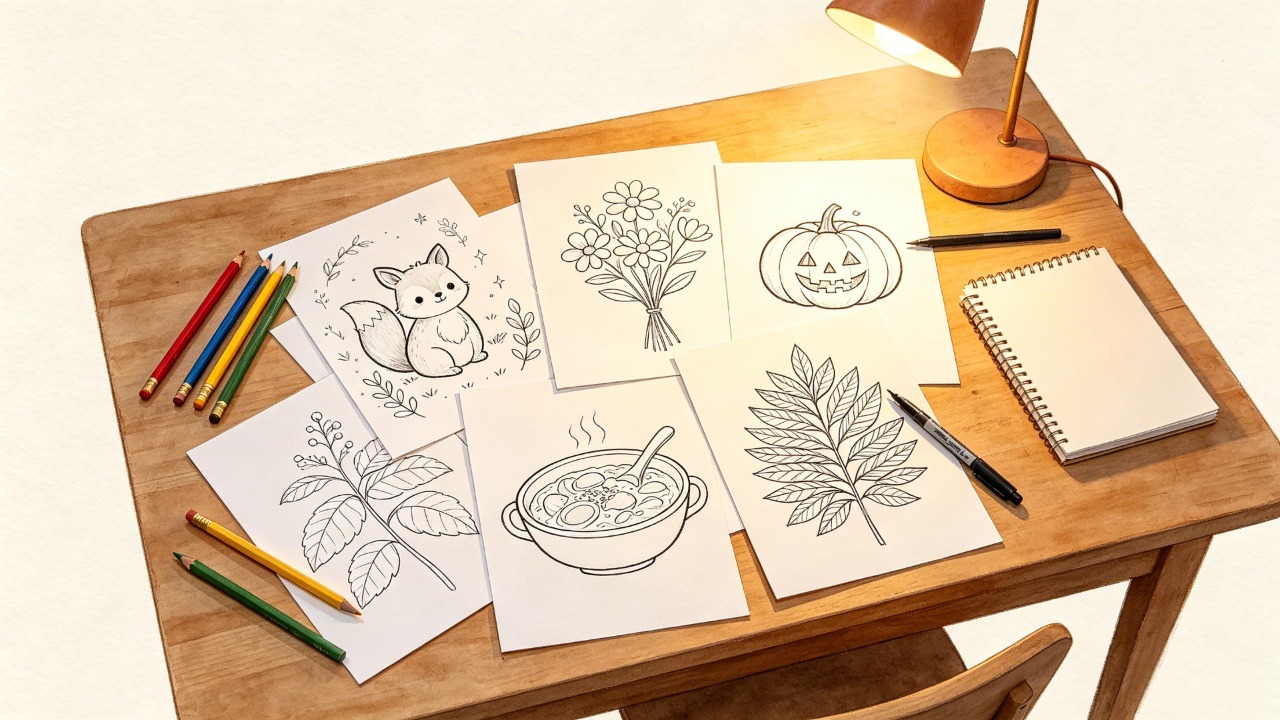
Cute woodland animals
Easy flowers for seniors
Halloween coloring pages for kids
Cozy food illustrations
Intricate botanical designs for adults
Dinosaur coloring pages for preschoolers
The more clearly you define the concept, the easier it becomes to decide whether an illustration belongs in the final book.
Think About the Audience First
Your target audience will influence almost every design decision.
A coloring book for toddlers needs large, simple shapes and relatively open spaces.
An adult relaxation book can support much more intricate artwork.
A printable Etsy product may need to work particularly well on common home-printer paper sizes, while a KDP paperback needs to follow the selected trim size and printing specifications.
So before generating your first page, answer three questions:
Who is this book for?
What will they use it for?
What kind of coloring experience do I want to create?
Those answers should guide the rest of the project.
If you're still deciding on the physical format, this guide to choosing the right coloring book size can help you compare common trim sizes and formats.
Decide How Many Coloring Pages You Actually Need
You don't need to decide on 100 pages just because other coloring books have 100 designs.
In fact, I wouldn't recommend that for a first project.
A better approach is to decide on a target range first, then create a larger pool of candidate illustrations and select the strongest ones.
For a first coloring book, 30–40 finished coloring pages is a practical starting point. It gives you enough variety without creating an unnecessarily large production workload.
And there's an important distinction here:
The number of coloring designs is not necessarily the same as the total print length of the book.
What Popular Coloring Books Actually Look Like
To get a better idea of what exists in the real market, I compared 10 popular coloring books on Amazon across different categories.
I separated Unique Coloring Designs from Amazon Print Length, because those numbers can be very different.
Coloring Book | Unique Coloring Designs | Amazon Print Length |
|---|---|---|
100 Flowers Coloring Book | 100 | 206 |
100 Amazing Patterns Coloring Book | 100 | 206 |
Cozy Cuties Coloring Book | 45 | 96 |
Stress Relief Coloring Book | 88 | 182 |
Large Print Easy Color & Frame | 56 | 120 |
101 CALMNESS Landscape Coloring Book | 101 | 207 |
Spooky Cutie Coloring Book | 40 | 112 |
Disney Mystery Princesses Coloring Book | 100 | 128 |
Anatomy Coloring Book | 450+ | 192 |
100 Tattoos Coloring Book | 100 | 178 |
Data collected from Amazon product listings. Page counts can vary by edition, format, and listing updates.
The interesting part isn't simply that some books have 40 designs while others have 100+.
It's that print length doesn't tell you how many actual coloring opportunities the reader receives.
For example, a book with 100 coloring designs may have a print length of more than 200 pages because of single-sided layouts and additional pages.
That's worth remembering when you're planning your own book.
If you're trying to decide how many pages your own book should have, see our guide on how many coloring pages your book should have for more examples and practical recommendations.
Create More Pages Than You Plan to Publish
This is especially important if you're using AI.
Don't assume that every image you generate should automatically become part of the final book.
If your goal is 40 finished coloring pages, you might generate 50 or 60 candidates and then remove the weaker ones.
Why?
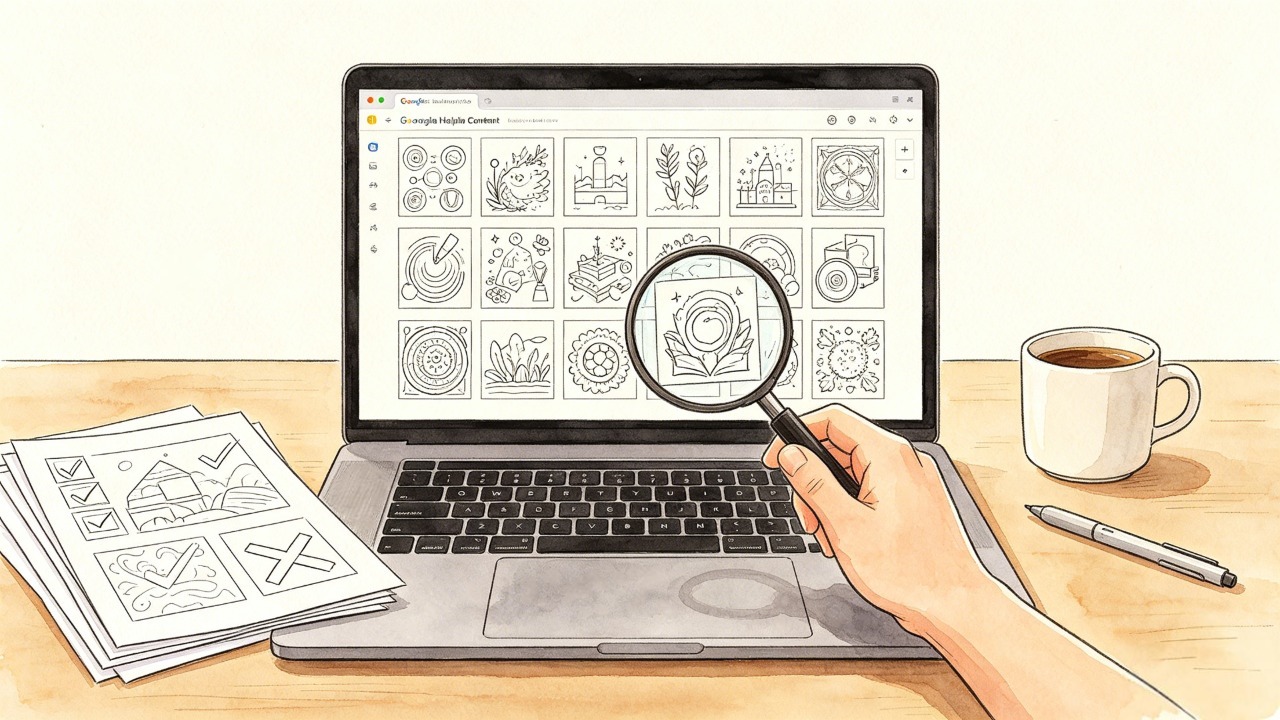
Because you'll often discover problems when you compare the pages together:
Two illustrations have almost identical compositions
One page has noticeably thinner lines
Some characters don't match the rest of the book
Certain pages are much more complicated than the others
Some illustrations simply don't fit the theme
One of the biggest advantages of AI is that it makes generating artwork faster.
The downside is that it also makes it very easy to generate too much artwork.
My recommendation is to treat AI as part of the production process, not as a substitute for editing.
Generate → review → remove → refine → format.
That selection process is what turns a collection of AI images into an actual coloring book.
If you want to go deeper into the actual creation process, see our guide on how to create coloring pages for your book.
Check Your Coloring Pages Before Formatting the Book
Before worrying about the cover or publishing platform, inspect the actual pages.
This is where many AI-generated coloring books fall apart.
Look for:
Consistent Line Quality
The line weight should feel reasonably consistent from page to page.
If one illustration has bold outlines and another has extremely thin lines, the finished book can feel like it was assembled from unrelated sources.
Clear Coloring Areas
Make sure the shapes are actually practical to color.
Tiny enclosed spaces may look impressive on screen but become frustrating when printed.
Similar Illustration Style
The pages don't need to be identical, but they should feel like they belong in the same book.
No Accidental Artifacts
Check for:
Strange hands or objects
Incomplete outlines
Unexpected shading
Tiny unwanted marks
Duplicated elements
Partially closed shapes
This review step becomes particularly important when you're generating pages with AI.
Choose Your Publishing Format
At this point, decide whether you're creating:
A physical coloring book
A printable PDF
Or both
The two formats have different requirements.
Amazon KDP
KDP is useful if you want to sell a physical paperback without managing your own inventory.
Your main concerns will be:
Trim size
Bleed
Margins
Interior PDF
Cover dimensions
Page count
Printing cost
Metadata
ISBN
KDP supports a range of paperback trim sizes, including 8.5 × 11 inches and 8.5 × 8.5 inches, which are particularly relevant to coloring books.
Before preparing your interior file, check Amazon's current KDP trim size, bleed, and margin requirements because these specifications can change over time.
Etsy Printable
If you're selling a printable coloring book on Etsy, you're delivering a digital product rather than a physical book.
That means the focus shifts toward:
Printable dimensions
PDF quality
File organization
Download usability
Printer-friendly design
Etsy currently allows up to five digital files per instant-download listing, with a maximum file size of 20 MB per file. You can check the current requirements in Etsy's official guide to managing digital listings.
Format the Interior
Once your artwork is finalized, it's time to turn individual pages into a complete book.
For a physical coloring book, decide on your trim size before formatting the interior.
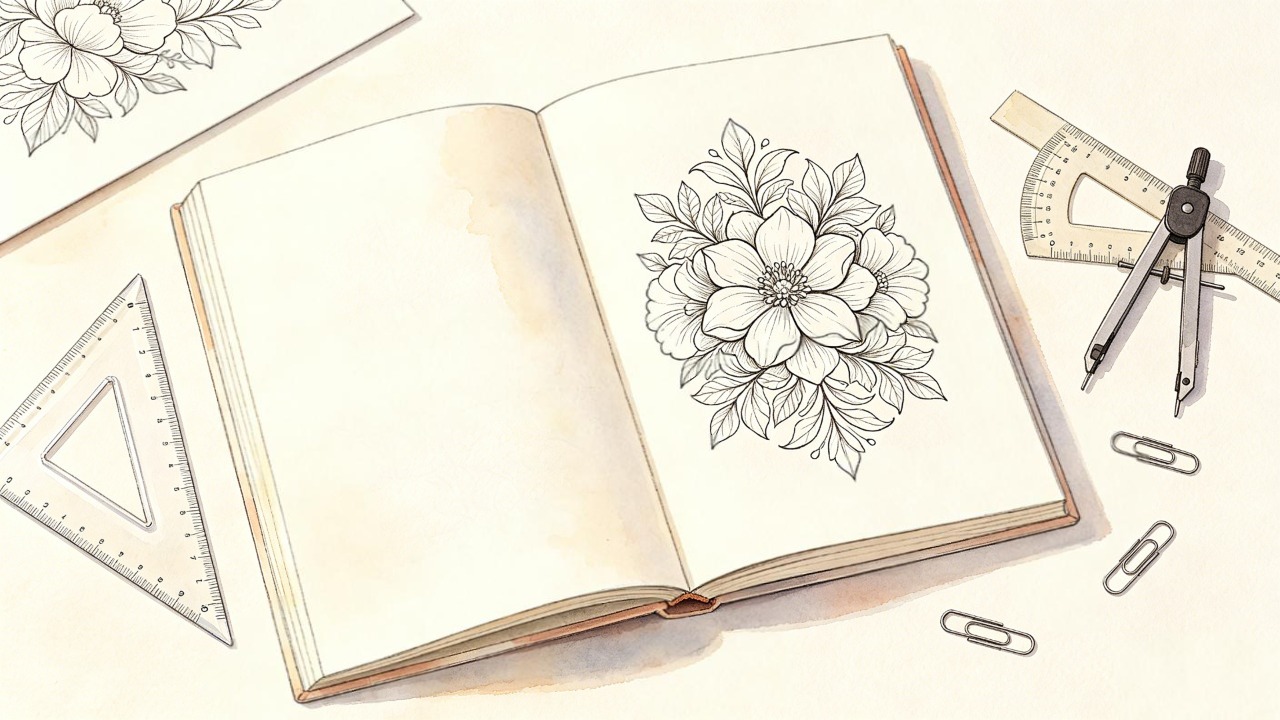
Common options include:
8.5 × 11 inches — a common choice for coloring books
8.5 × 8.5 inches — useful for square designs
8.27 × 11.69 inches — A4
5.5 × 8.5 inches — a more compact format
If you're publishing on KDP, don't simply assume that adding 0.125 inches to every side is the correct final document size.
For full-bleed interiors, KDP currently requires artwork to extend beyond the final trim size. The exact file dimensions depend on the selected trim size and whether the interior uses bleed.
You can check the current KDP paperback submission guidelines before exporting your final PDF.
KDP also recommends a minimum image resolution of 300 DPI for print interiors.
For coloring books, I'd pay particular attention to margins and line placement. A beautiful illustration can become frustrating to color if important parts of the artwork sit too close to the trim edge.
Consider Using Single-Sided Coloring Pages
For many coloring books, especially those intended for markers, single-sided pages are worth considering.
Why?
Because markers can bleed through paper.
A single-sided layout allows the back of each coloring page to remain blank or contain a simple backing page.
Some creators also use black backing pages to reduce the visual impact of marker bleed-through.
This isn't just a formatting decision.
It's part of the user experience.
If someone buys a coloring book specifically to use markers and discovers that every page ruins the illustration behind it, the book can become frustrating to use.
That's why I recommend printing a few sample pages before finalizing the entire interior.
Design the Cover
Your cover has a different job from your interior pages.
The interior needs to be functional.
The cover needs to make someone want to click or pick up the book.
For a coloring book, the cover should communicate three things quickly:
What is the theme?
Who is it for?
What kind of coloring experience should they expect?
Avoid filling the cover with too many unrelated illustrations.
A clear visual concept usually works better than trying to show everything inside the book.
If you're publishing a KDP paperback, remember that the cover file includes the:
Back cover
Spine
Front cover
Bleed
The exact cover dimensions depend on your trim size, paper type, and final page count. KDP provides a cover calculator and template generator to help you create the correct dimensions.
One useful detail: KDP currently requires a minimum of 79 pages for text to appear on the spine of a paperback cover.
That is another reason not to design the spine before your final page count is known.
Prepare Your Book Metadata
Once the book itself is ready, you'll need to prepare the information that appears on the sales page.
This typically includes:
Book title
Subtitle
Author name
Description
Keywords
Categories
Pricing
ISBN information
Your title and description should accurately describe the book rather than trying to stuff every possible keyword into them.
Think about what a real buyer would search for.
For example:
Cute Halloween Coloring Book for Kids Ages 4–8
is much more useful than:
Coloring Book Kids Halloween Cute Coloring Pages Fun Activity Book Gift
The goal isn't to repeat the word "coloring" as many times as possible.
It's to make the product easy to understand.
Understand the ISBN Requirement
If you're publishing a paperback through KDP, you'll need to deal with ISBN information.
KDP currently offers a free ISBN for eligible paperback and hardcover books, although the free KDP ISBN is only usable with KDP.
You can also purchase your own ISBN if you want to use the same ISBN across other publishing services.
You can check the current rules in KDP's official ISBN guide.
If you're publishing for the first time, don't buy an ISBN simply because you assume you have to.
First decide where you intend to publish and whether you need the flexibility of your own ISBN.
Upload and Review Your Book
Now you can upload your interior and cover files.
But don't immediately assume that passing the upload process means the book is finished.
Review the files carefully in the platform's preview tools.
Look for:
Pages that are unexpectedly cropped
Artwork too close to the trim edge
Incorrect margins
Blank pages in the wrong places
Cover alignment problems
Missing images
Unexpected page shifts
KDP's official paperback submission guidelines explain the current technical requirements and common file issues.
For a coloring book, I would go one step further than simply checking whether the file passes the previewer.
Look at the book as a reader would.
Would the artwork be comfortable to color?
Does the page feel too crowded?
Are some pages noticeably more difficult than others?
Does the book feel consistent from beginning to end?
Those questions are harder for an automated checker to answer, but they matter to the final product.
Order a Proof Copy
This is the step I would strongly recommend for physical coloring books.
Don't rely entirely on the screen preview.
A page can look perfect on your monitor and still look different once printed.
Print quality can affect:
Line thickness
Contrast
Margins
Paper feel
Coloring space
How marker ink behaves
KDP provides proof copies so creators can review a physical test copy before publishing. You can learn more about the process in the official KDP proof copy guide.
For a coloring book, I'd pay particular attention to pages that are:
Most detailed
Closest to the margins
Designed for markers
Representative of your typical line weight
If those pages print well, you're in a much better position to publish the complete book.
KDP vs. Etsy: Which Should You Choose?
If you're deciding between the two, think about the product you're actually trying to create.
Amazon KDP | Etsy Printable | |
|---|---|---|
Product | Physical book | Digital file |
Printing | Handled through KDP | Customer prints |
Inventory | No inventory required | No physical inventory |
Main concern | Print quality | File usability |
Best for | Paperback coloring books | Printable coloring pages |
Customer receives | Physical book | Digital download |
You don't necessarily have to choose only one.
A well-designed coloring book can potentially become both:
A KDP paperback
and
an Etsy printable product.
The key is to make sure the files are prepared appropriately for each platform rather than uploading exactly the same file everywhere.
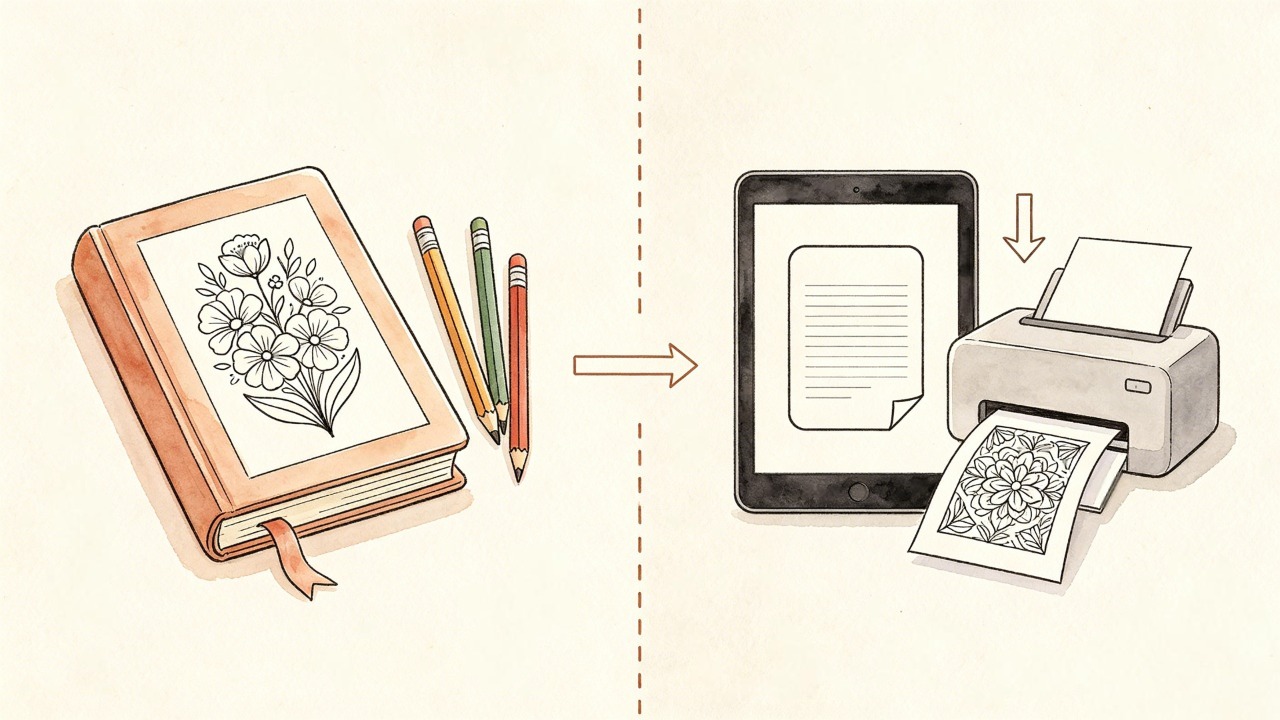
If you're planning to physically print your coloring book, our guide on how to print a coloring book covers the practical printing considerations in more detail.
My Recommended Workflow for a First Coloring Book
If I were starting a coloring book project from scratch today, I wouldn't try to create the entire book in one pass.
I'd use this workflow:
Choose One Narrow Theme
Don't start with "everything people like to color."
Start with one clear concept.
Decide on the Audience
Kids, adults, seniors, teachers, gift buyers, or printable users may all require different designs.
Create More Candidate Pages Than You Need
If you want 30 final pages, create around 40–50 candidates.
Remove the Weak Pages
Look for duplicates, inconsistent styles, awkward compositions, and pages that don't fit the theme.
Test Print Several Pages
Don't wait until the entire book is finished.
Finalize the Interior
Set your trim size, margins, bleed, page order, and file format.
Design the Cover
Create the cover after you know your final page count.
Upload and Preview
Check every page before publishing.
Order a Proof
If you're publishing a physical book, inspect a physical copy before making the book available to buyers.
Publish and Learn From the First Book
Your first coloring book doesn't have to be your biggest one.
It can be the book that teaches you what to improve in the second.
Common Mistakes to Avoid
Creating Too Many Pages
More pages don't automatically mean more value.
A focused 40-page coloring book can be much better than a 100-page collection of repetitive illustrations.
If you're unsure about the right length, see our guide on how many pages a coloring book should have.
Using Inconsistent AI Artwork
If every page looks like it came from a different illustrator, the book won't feel professionally designed.
Review the entire collection together, not just one image at a time.
Skipping the Print Test
This is one of the easiest mistakes to avoid.
Print several pages before publishing.
Designing the Cover Too Early
Your final page count can affect the spine and therefore the full cover dimensions.
Finalize the interior first.
Choosing a Format Without Considering the Reader
Think about how the buyer will actually use the book.
Will they use crayons?
Colored pencils?
Markers?
Print it at home?
Take it on a trip?
The answer should influence the format you choose.
Can AI Help You Create a Coloring Book?
Yes—but I'd treat AI as a production tool rather than an automatic book generator.
AI can make it much faster to create illustrations, experiment with themes, and build a collection of pages.
But the hardest part isn't generating images.
It's curating them.
You still need to decide:
Which pages are good enough?
Which ones feel repetitive?
Does the illustration style remain consistent?
Are the line weights appropriate?
Will the pages actually print well?
Does the finished collection feel like one book?
That's where human judgment still matters.
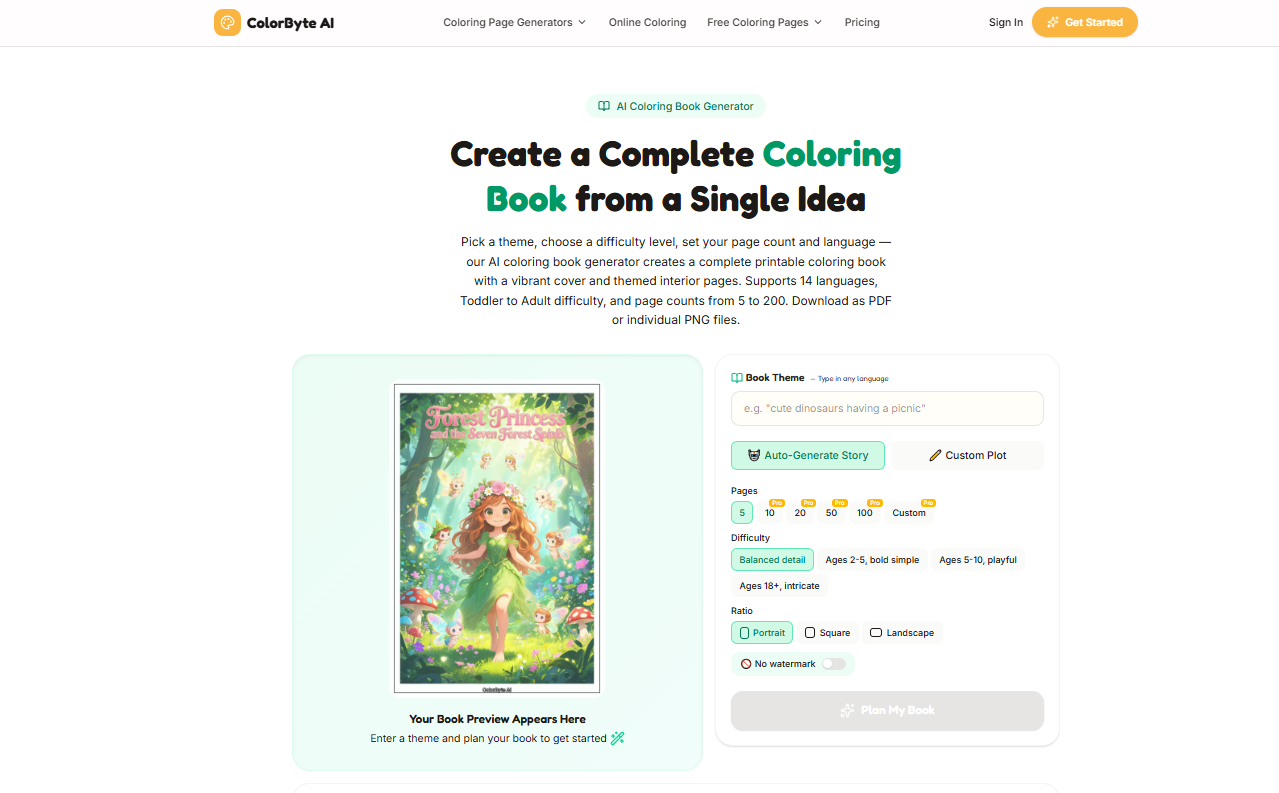
If you want to speed up the illustration stage, tools such as ColorByte AI can help create printable coloring pages from ideas or images. But the final quality still depends on selecting, reviewing, and preparing the pages properly.
Final Thoughts
Publishing a coloring book doesn't have to be complicated.
The technical steps are relatively straightforward once you understand the workflow.
The harder part is creating a book that feels intentional.
Choose a clear theme.
Create more candidate artwork than you need.
Remove the repetitive or weak pages.
Format the interior carefully.
Test the physical result.
Then publish.
And if you're using AI, remember that generating more pages isn't necessarily progress.
The goal isn't to create the most coloring pages. It's to create a coloring book people actually enjoy using.