Creating a coloring book is easier than ever. Whether you're making one for your kids, your classroom, as a thoughtful gift, or to sell on Etsy or Amazon KDP, you no longer need to be a professional illustrator to get started.
However, here's something many first-time creators discover the hard way:
A coloring book isn't just a collection of coloring pages.
The coloring books people enjoy most have a consistent style, a logical flow, balanced difficulty, and pages that actually print well. Without those elements, even beautiful illustrations can feel random or frustrating to color.
In this guide, I'll walk you through the entire process—from choosing a theme to exporting a print-ready PDF—while sharing practical lessons that can help you avoid the mistakes many beginners make.
What Makes a Good Coloring Book?
Before opening any design software or AI generator, it's worth understanding what separates a good coloring book from one people quickly lose interest in.
The best coloring books usually have five things in common:
A clear theme that ties every page together
Consistent illustration style throughout the book
A good balance between simple and detailed pages
Clean black outlines that print clearly
A logical page order that creates a satisfying experience
Think of your coloring book as a journey rather than a folder of unrelated illustrations. Every page should feel like it belongs in the same collection.
Step 1: Choose a Theme That Can Fill an Entire Book
The first decision isn't how to create your artwork—it's what your book will be about.
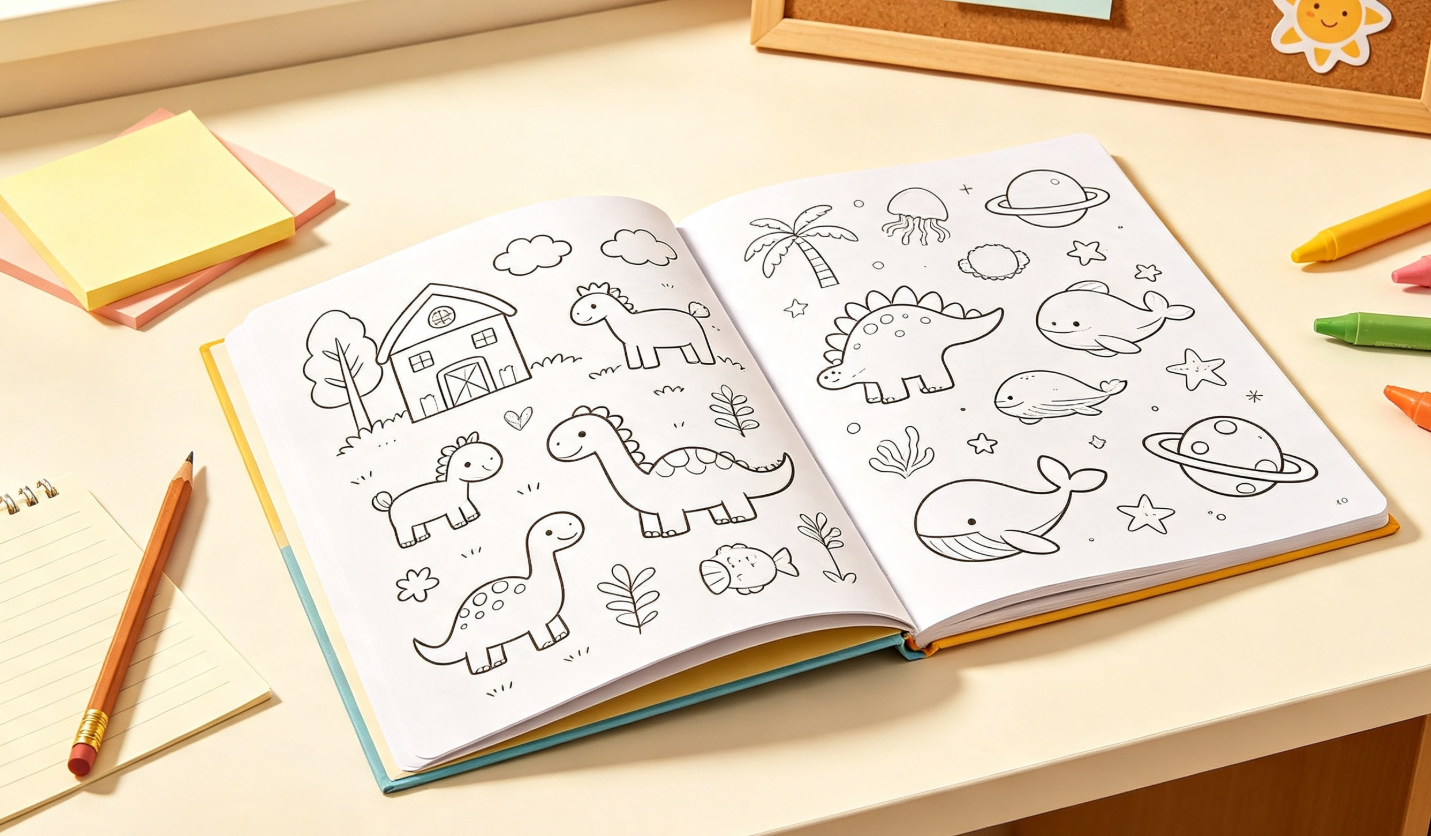
A common mistake is choosing a theme that's too narrow.
For example:
❌ A Unicorn Eating Ice Cream
This might make a fun coloring page, but it's difficult to create 30 unique variations without becoming repetitive.
Instead, choose broader themes that naturally offer variety.
Good examples include:
Farm Animals
Dinosaurs
Ocean Creatures
Cute Cats
Fantasy Dragons
Princess Adventures
Mandalas
Woodland Animals
Space Exploration
Construction Vehicles
A useful question to ask yourself is:
Can I easily imagine 30–50 different pages based on this idea?
If the answer is yes, you've probably found a strong theme.
Step 2: Decide Who the Coloring Book Is For
Your audience influences every design decision you make.
Before creating a single page, decide who will actually use your coloring book.
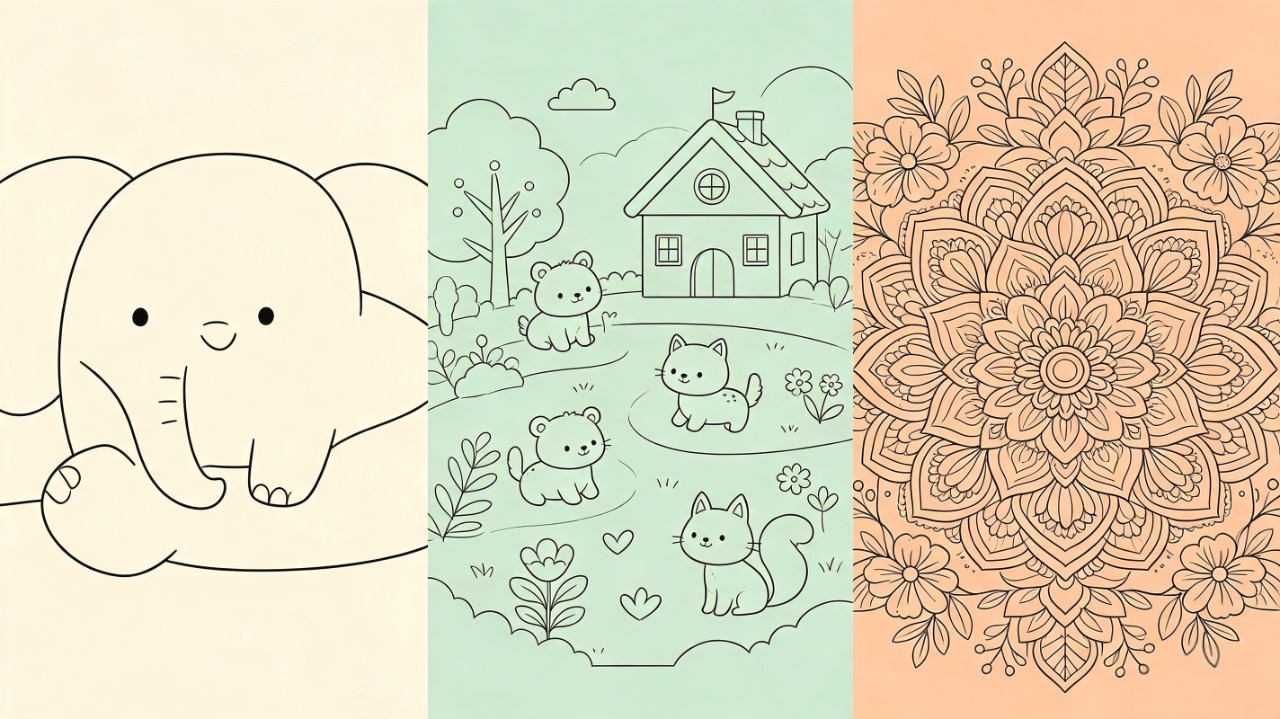
For Young Children
Young children need:
Large coloring areas
Thick outlines
Simple objects
Minimal background details
The goal is building confidence, not challenging their coloring skills.
For Older Kids
Children around elementary school age usually enjoy:
More detailed illustrations
Characters interacting with scenes
Fun activities
Slightly smaller coloring spaces
This age group often appreciates storytelling throughout the book.
For Adults
Adult coloring books are completely different.
Readers often expect:
Intricate patterns
Mandalas
Floral illustrations
Highly detailed scenes
Relaxing, repetitive designs
Adding unnecessary large empty spaces may actually make the pages feel unfinished.
For Selling Online
If your goal is selling printable coloring books on Etsy or publishing through Amazon KDP, consistency becomes even more important.
Customers expect:
A recognizable art style
Consistent line thickness
Uniform page dimensions
Professional formatting
A book that looks cohesive immediately feels more valuable than one where every page has a different style.
Step 3: Plan the Structure Before Creating the Pages
Many creators jump straight into designing pages.
I recommend doing the opposite.
Plan your book first.
A simple outline saves a surprising amount of time later.
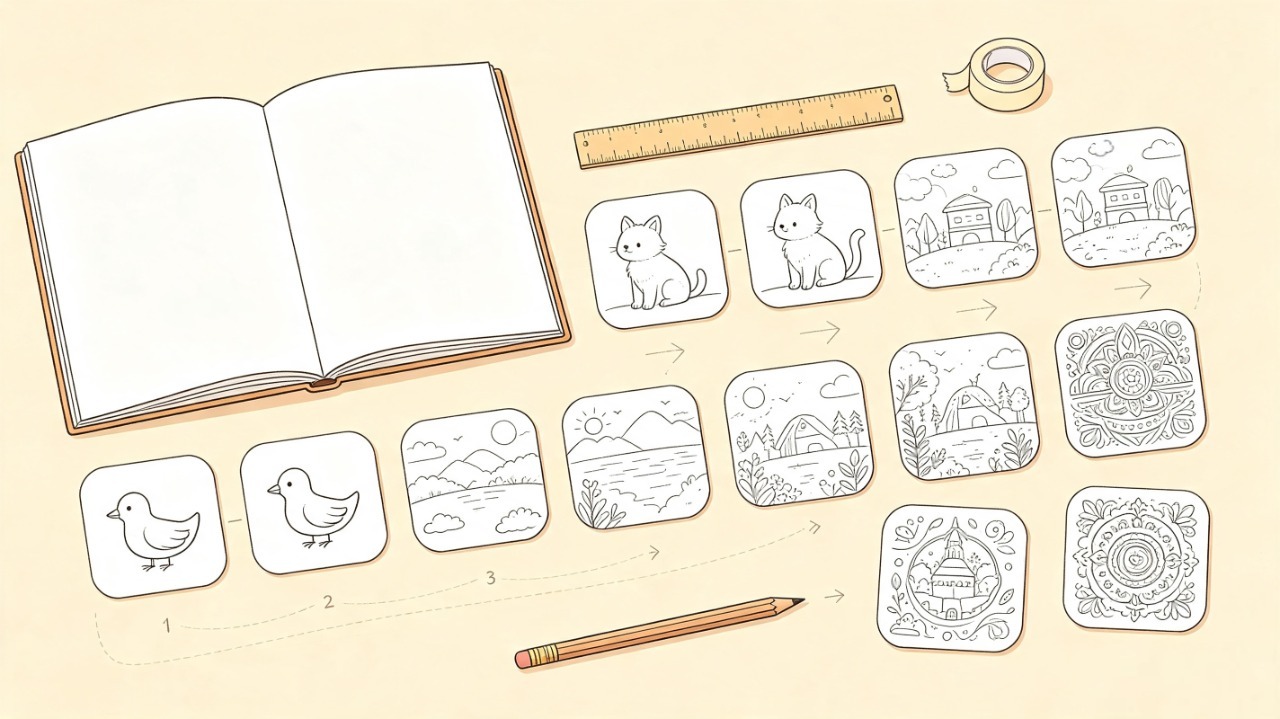
For example:
Book Theme
Cute Farm Animals
Page Count
30 pages
Difficulty Progression
Pages 1–10
Simple animals with minimal backgrounds.
Pages 11–20
Animals interacting with farm scenes.
Pages 21–30
More detailed illustrations with barns, tractors, and landscapes.
This progression makes the coloring experience feel more engaging instead of repetitive.
How Many Pages Should a Coloring Book Have?
There's no perfect number, but these are common ranges:
Purpose | Recommended Pages |
|---|---|
Kids' activity book | 20–30 |
Printable PDF | 25–40 |
Gift coloring book | 30–50 |
Amazon KDP | 40–80 |
Quality matters far more than quantity.
Thirty well-designed pages are usually more enjoyable than eighty repetitive ones.
Step 4: Create Your Coloring Pages
Now it's time to create the artwork.
There are several ways to do this.
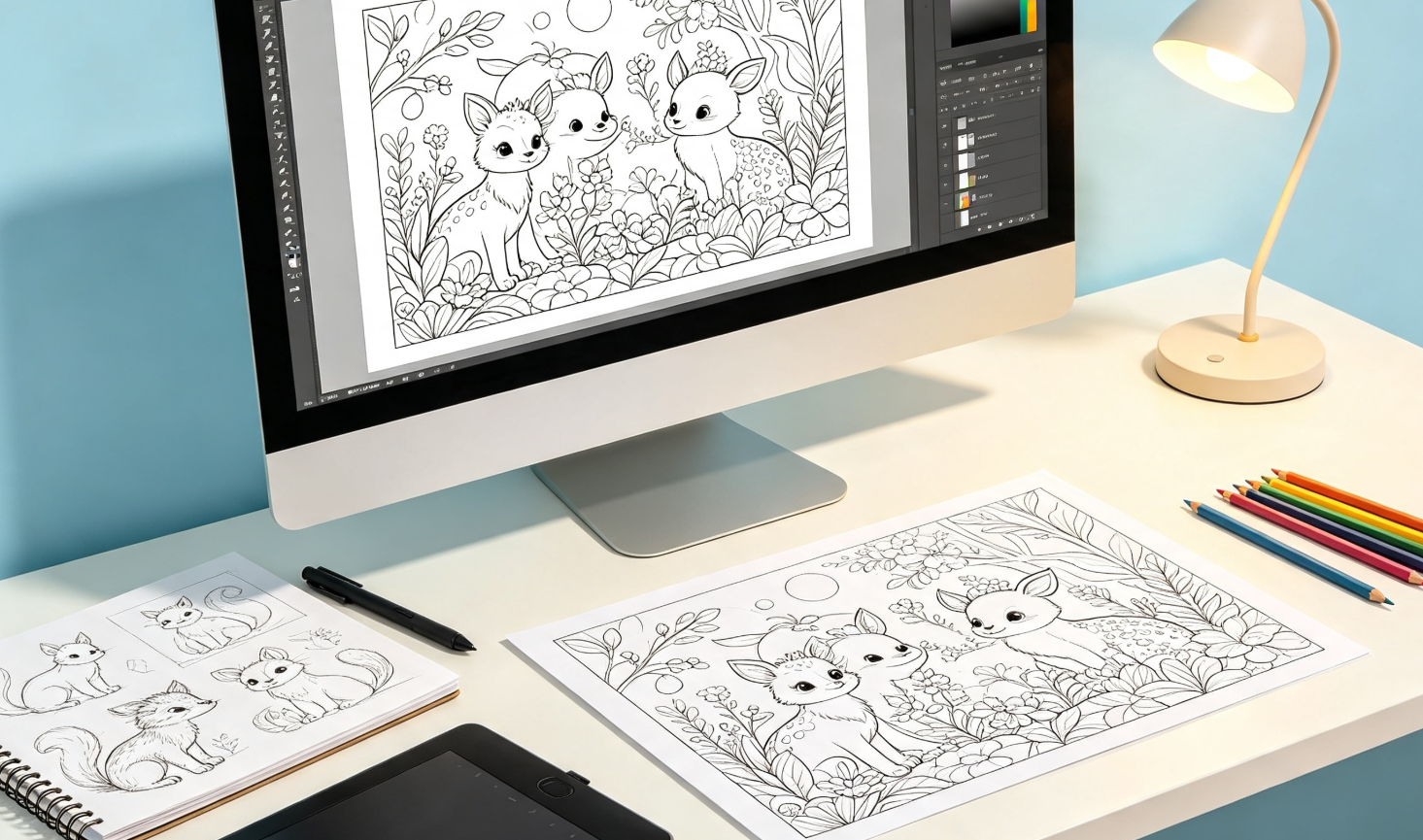
Option 1: Draw Everything Yourself
If you're an illustrator, this gives you complete creative control.
Pros:
Unique artwork
Original style
Maximum flexibility
Cons:
Time-consuming
Difficult to scale
Option 2: Hire an Illustrator
This works well if you're creating a commercial product but don't draw yourself.
Keep in mind that costs increase quickly when producing dozens of illustrations.
Option 3: Use Design Software
Programs like Adobe Illustrator or Canva can help create simpler coloring pages.
This approach works well for geometric patterns, educational worksheets, and basic designs.
Option 4: Use AI to Speed Up the Process
Today, many creators use AI tools like ColorByte AI to generate coloring pages much faster.
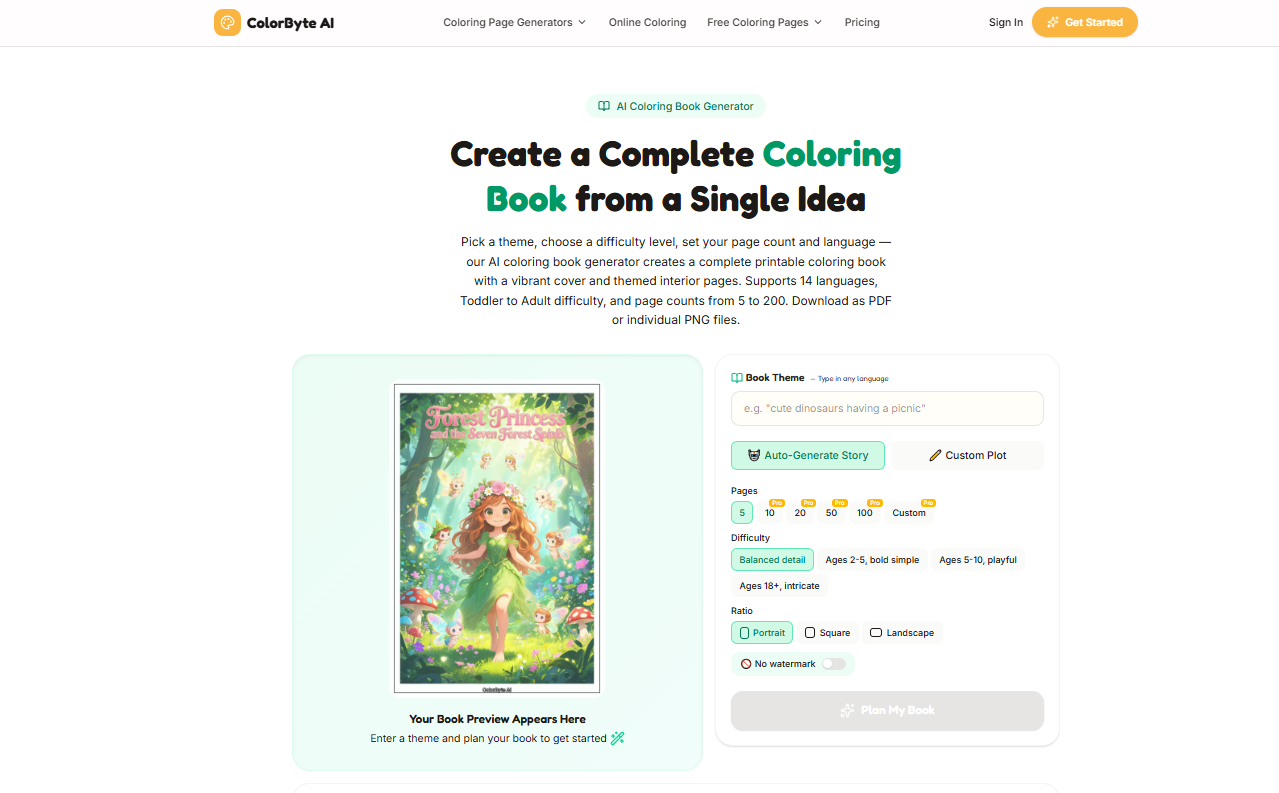
The biggest advantage isn't simply saving time.
It's maintaining consistency across dozens of pages.
Instead of creating every illustration from scratch, you can generate variations within the same theme while keeping a similar visual style.
If you use AI, remember that generation is only the first step.
Every page should still be reviewed before adding it to your book.
Look for:
Broken outlines
Tiny coloring spaces
Missing details
Inconsistent line thickness
Elements that are too close to the page edge
The best coloring books are edited—not simply generated.
My Biggest Lesson After Reviewing Dozens of Coloring Books
After looking through many printable coloring books over the years, I've noticed that most first-time creators don't struggle with drawing.
They struggle with consistency.
A few common problems appear again and again.
Every Page Looks Like It Came from a Different Book
This often happens when different prompts, artists, or AI styles are mixed together.
Readers may not notice exactly what's wrong, but they'll feel that the book lacks a clear identity.
The Details Are Too Small
Some illustrations look beautiful on a computer screen but become frustrating once printed.
Tiny flowers, miniature patterns, or overly detailed backgrounds leave very little room for coloring.
When in doubt, simplify.
A coloring page should invite creativity—not require a magnifying glass.
Every Page Has the Same Composition
Even within one theme, variety matters.
Instead of placing every subject in the center of the page, experiment with:
Close-up scenes
Wide landscapes
Different poses
Different camera angles
This keeps the book visually interesting while maintaining a consistent style.
The Pages Were Never Test Printed
This is probably the biggest mistake.
Many creators only view their designs on a monitor.
Printing reveals problems that are easy to miss digitally:
Thin outlines
Cropped edges
Blurry details
Unbalanced margins
Before finishing your coloring book, print several sample pages.
It's one of the easiest ways to improve the final quality.
Step 5: Arrange the Pages Like a Real Book
Once your illustrations are finished, resist the temptation to simply place them in random order.
A well-organized coloring book feels intentional.
Some simple ways to structure your pages include:
Easy pages first, detailed pages later
Group similar subjects together
Alternate close-up and full-scene illustrations
Leave enough white space around each design
A thoughtful page order makes the book feel more polished and enjoyable to complete.
Step 6: Design a Cover That Matches the Inside
People often judge a coloring book by its cover.
A strong cover should immediately communicate:
The theme
The intended audience
The overall illustration style
Avoid overcrowding the cover with too many characters or decorative elements.
Simple, clean designs are often more effective.
If you're selling online, remember that the cover also needs to stand out as a small thumbnail in search results.
Step 7: Export and Test Print
Before publishing or sharing your coloring book, create a printable version.
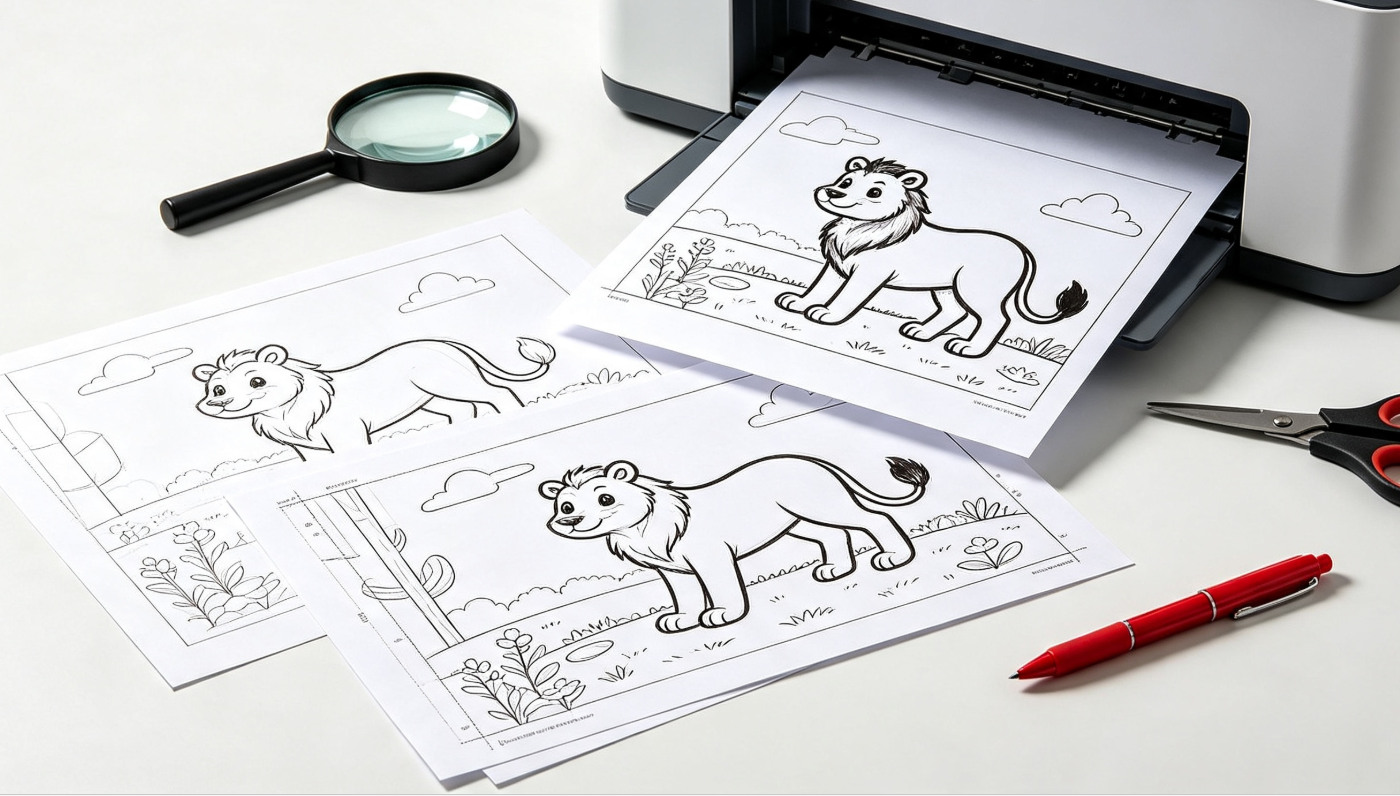
For most projects:
Export as PDF
Use 300 DPI
Keep consistent page dimensions
Check margins carefully
Then print a few pages.
Ask yourself:
Are the outlines dark enough?
Are any details difficult to color?
Does the artwork fit comfortably on the page?
Does every page feel like it belongs in the same book?
If the answer is yes, you're ready to publish.
My Coloring Book Checklist
Before calling your coloring book finished, make sure you've checked these essentials:
✓ A clear, consistent theme
✓ The same illustration style throughout
✓ One illustration per page
✓ Clean black outlines
✓ Comfortable coloring spaces
✓ Consistent page size
✓ 300 DPI resolution
✓ Test-printed sample pages
✓ Exported as a print-ready PDF
This checklist catches many of the small issues that separate an average coloring book from one that feels professionally made.
Frequently Asked Questions
Can I make a coloring book without drawing?
Yes. Many creators use AI tools, design software, or work with freelance illustrators instead of drawing everything by hand.
How many pages should a coloring book have?
Most coloring books contain between 25 and 50 pages, although books for Amazon KDP are often longer.
What file format should I use?
PDF is the best choice for printing because it preserves page size and image quality.
Can I sell AI-generated coloring books?
Yes, provided you have the appropriate commercial rights for the images you use and your book adds genuine value through editing, organization, and presentation. Always review the licensing terms of the tools you use.
What's the best size for a coloring book?
US Letter (8.5 × 11 inches) is the most common format for home printing, while many commercial coloring books also use standard KDP trim sizes.
Final Thoughts
Making a coloring book is no longer limited to professional artists.
With thoughtful planning, a consistent theme, and attention to print quality, anyone can create a coloring book that's enjoyable to use—whether it's for family, the classroom, gifts, or selling online.
If there's one piece of advice I'd leave you with, it's this:
Don't focus on creating individual coloring pages. Focus on creating a complete coloring experience.
When every page feels like part of the same story, readers notice the difference.
And if you'd like to speed up the creative process, AI tools like ColorByte AI can help you generate consistent, print-ready coloring pages from ideas or photos, making it much easier to build an entire coloring book while keeping the artwork cohesive.